Hello never-a-rescheduled-task folks!
We know everyone’s preparing for winter by scouring the area for tire chains (we live in Seattle, and snow isn’t our thing), but we have to let you know about our recently-finished OmniPlan tutorial videos. Kinda like Geordi La Forge has to increase efficiency in the warp core by 17%.
The set of Basic videos were published about a month ago, but the Advanced just recently went live.
The Advanced series includes an extremely simple explanation of Hammock Tasks — if you’re not using them yet, I’m sure you will after.
One more thing: we’re currently on OmniPlan 2.0.2 (release notes), and we’re very close to releasing another minor update for bug fixes.
As always, shoot us a tweet @omniplan or email support if you have any questions or concerns.
OmniPlan v2.0.1 is a free update to licensed OmniPlan v2.0 users. This release is focused on addressing bugs and usability issues found in v2.0. Some of the areas we worked on include importing & exporting, publishing & subscribing, printing & imaging, filtering, and overall stability. If you'd like to check out the full release notes, click here.
We love hearing from you! You can reach us by tapping using the Send Feedback feature in OmniPlan, sending email to
omniplan@omnigroup.com, tweeting to @omniplan, or calling 1-800-315-OMNI or +1 206-523-4152.
To start using the new version, you can use the built-in software updater in OmniPlan v2.0 or you can download it from our website here.
Hello OmniPlan planners!
Hot on the heels of OmniPlan v2.0, we give you OmniPlan v2.0.1 beta! For this beta we improved stability, fixed a few publish & subscribe issues involving calendars, and updated the default project template so the UI is not as large. We also addressed some issues with scheduling, opening/importing of files, as well as various bugs that were reported by users over the last couple of weeks. If you'd like to check out the full release notes, click here and scroll down to the bottom of the page.
As always, please keep in mind that this version is still in development so feedback is encouraged and we apologize if it breaks your computer, corrupts your files, or ruins your weekend. We're looking forward to hearing your thoughts about OmniPlan v2.0.1 beta: You can contact us directly by our support page or by using the Send Feedback feature in your copy of OmniPlan.
You can download the beta from our website here.

We're thrilled to announce that OmniPlan v2.0 ships today! Since releasing OmniPlan v1.0, we've learned a lot about how people are using OmniPlan to manage their projects and we think that OmniPlan v1.0 grew into an excellent resource for project planning workflow for a single person. However in undertaking OmniPlan v2.0, we knew that people wanted to bring this workflow and user experience to their teams — and so that's what we focused on: collaboration.
Collaboration in OmniPlan v2.0 allows a manager to create and share a project with their team. By syncing over MobileMe, Omni Sync Server or a WebDAV server, teams are able to synchronize their work and stay up to date on the latest changes.
While collaboration is the most exciting new feature, OmniPlan v2.0 also adds scheduling and printing options and improves performance with large projects to add speed and versatility to your workflow.
We know a lot of you have been anxiously waiting for this, so let's jump right into some of the new features we've added in OmniPlan v2.0:
Collaboration: Sync, Publish, Edit, and Track Changes
Use a WebDAV server to sync your projects between resources. Then, publish your tasks automatically upon saving. Grab new changes automatically via Bonjour or at a specified interval. (You can also publish and update manually, of course.) Publish tasks and pull in updates from a server-based calendar. Export your plan automatically in any supported format. Execute custom AppleScripts from within the app during export.
Use Apple's Calendar Server to pull in free times and busy times for your resources. Import vacation and holiday schedules from a web-hosted calendar.
Keep track of the changes to the project with visual change tracking. See your own edits on a personal project or see the synced changes on a team project. Accept and reject changes on a task-by-task basis or all at once.
Scheduling
Fiscal years are now supported in addition to calendar years so you can choose whether your tasks are due in Q2 or Spring. Schedule projects backwards from a fixed end date. Create, save, and compare your projects against multiple baselines. Highlight the critical path to individual milestones in the new ‘‘Project: Milestones’’ inspector. Resource schedules now have optional start and end dates.
Tasks and Resources
Split your tasks to schedule around interruptions. Create hammock tasks that have start and end dates based on prerequisites that you define. Effort and Duration can now be unlinked. Default task and resource attributes can be configured per project or in a template for faster task creation. Color-code tasks based on their resource. Choose independent display formats for duration and effort values.
Filtering
Save multiple, commonly-used filters for quick re-use later. Configure publishing actions to use filters.
Printing Options
Headers and footers are now more flexible. Expand or collapse all notes and task and resource groups. Page margins support mirroring on facing pages. Customize the margin above and below the header and footer.
OmniPlan v2.0 is available from our store and from the Mac App Store for $199.99. Folks who purchased OmniPlan v1.0 from the Mac App Store and our online store between January 6, 2011 and July 17th, 2011 will receive a free upgrade to OmniPlan v2.0. For folks who purchased OmniPlan v1.0 before that date, an OmniPlan v2.0 upgrade is available from our online store for $99.99.
We hope that you'll enjoy the new features, improvements, and updated user interface in OmniPlan v2.0. We've been working very hard on this new version and we're looking forward to hearing your thoughts about OmniPlan v2.0: please send any feedback, questions or comments to us at omniplan@omnigroup.com and someone from our team will get back to you as soon as possible.
Hello OmniPlan planners!
The release candidate is here! We're getting very close to OmniPlan 2.0 final, so if you find any issues with this release please let us know. If you'd like to check out the full release notes, click here and scroll down to the bottom of the page.
As always, please keep in mind that this version is still in development so feedback is encouraged and we apologize if it breaks your computer, corrupts your files, or ruins your weekend. We're looking forward to hearing your thoughts about OmniPlan v2.0: You can contact us directly by our support page or by using the Send Feedback feature in your copy of OmniPlan.
To start using the new rc, you can use the built-in software updater in OmniPlan v2.0 or you can download it from our website here.
Hello again OmniPlan planners!
For this beta update we fixed 5 more distinct crashers and added support for full screen mode and hidden scroll bars in Mac OS X 10.7 (Lion). We also addressed some issues with scheduling, publishing & subscriptions, as well as various bugs that were reported by beta testers over the last couple of weeks. If you'd like to check out the full release notes, click here and scroll down to the bottom of the page.
As always, please keep in mind that this version is still in development so feedback is encouraged and we apologize if it breaks your computer, corrupts your files, or ruins your weekend. We're looking forward to hearing your thoughts about OmniPlan v2.0: You can contact us directly by our support page or by using the Send Feedback feature in your copy of OmniPlan.
To start using the new beta, you can use the built-in software updater in OmniPlan v2.0 or you can download it from our website here.
Hello again OmniPlan planners!
For this beta update we fixed 16 more distinct crashers, plugged some memory leaks, and started work on compatibility with Mac OS X 10.7 (Lion). We addressed some issues with scheduling, change tracking, and publishing & subscriptions, as well as various bugs that were reported by beta testers over the last couple of weeks. If you'd like to check out the full release notes, click here and scroll down to the bottom of the page.
As always, please keep in mind that this version is still in development so feedback is encouraged and we apologize if it breaks your computer, corrupts your files, or ruins your weekend. We're looking forward to hearing your thoughts about OmniPlan v2.0: You can contact us directly by our support page or by using the Send Feedback feature in your copy of OmniPlan.
To start using the new beta, you can use the built-in software updater in OmniPlan v2.0 or you can download it from our website here.
Hello again OmniPlan planners!
Just a quick post to let everybody know that a new update for OmniPlan v2.0 beta has been released! We fixed 17 of the most commonly reported crashers from the first beta and addressed some issues with exports and collaboration that beta testers found over the last couple of weeks. If you'd like to check out the full release notes, click here and scroll down to the bottom of the page.
As always, please keep in mind that this version is still in development so feedback is encouraged and we apologize if it breaks your computer, corrupts your files, or ruins your weekend. We're looking forward to hearing your thoughts about OmniPlan v2.0: You can contact us directly by our support page or by using the Send Feedback feature in your copy of OmniPlan.
To start using the new beta, you can use the built-in software updater in OmniPlan v2.0 or you can download it from our website here.
When the iPad was announced last year, I posted that we were planning to bring all five of our productivity apps to iPad. We've just submitted OmniOutliner for iPad to the App Store, the fourth of those five apps:
I've been looking forward to OmniOutliner for iPad all year: OmniOutliner is the app I turn to whenever I want to collect and structure my thoughts (it's where I'm writing this text right now!) and it's great to be able to take those outlines with me and work with them on my iPad.
Now that OmniOutliner for iPad has reached GM, we're busy putting together some screenshots and an intro video which explain how the app fits together, and we look forward to posting those to our main website as well as more information here. For now, though, let me share this teaser video:
We don't know exactly how long it will take for OmniOutliner to be reviewed, but hopefully not more than a week or two. If you'd like to be notified by email the moment OmniOutliner is available on the App Store, you can subscribe to our low-traffic OmniNews mailing list or to our OmniOutliner Users mailing list. And, of course, you can watch this space—or follow @omnigroup or @omnioutliner (or me, @kcase) on twitter.
Meanwhile, let me briefly give some updates on our other projects! But first, an important reminder: our plans do change over time, so please don't rely on things happening according to today's particular snapshot of those plans.
-
OmniPlan v2 just went into beta, adding multi-user collaboration over the air (through Apple's MobileMe or our own Omni Sync Server, or your own private WebDAV server). For more about that, see last week's blog post. Once we wrap up this beta, we'll finally be ready to start on the last of our “iPad or Bust!” projects, OmniPlan for iPad.
-
Our free Omni Sync Server has been in beta since last summer, and it's been working quite well: over 18,000 people have signed up and feedback has been overwhelmingly positive. This will remain a free service for all Omni customers when it leaves beta; if you haven't tried it already, I encourage you to give it a spin!
-
OmniGraphSketcher for Mac has a major update now in beta which adds support for log scales—important when you're trying to compare trends in data which might be orders of magnitude apart. We're also working on bringing that work over to the iPad app.
-
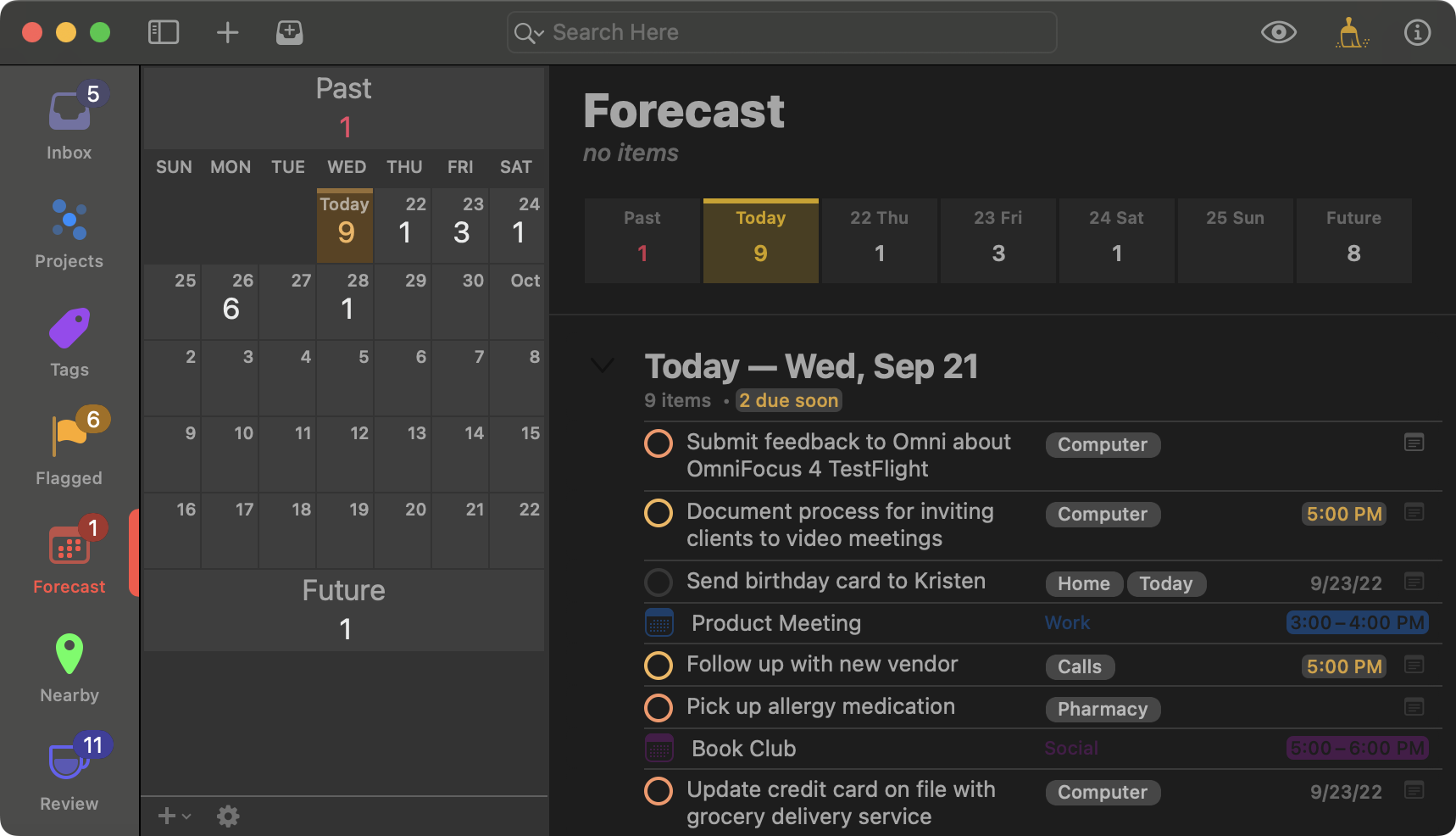
We're very close to submitting an update to OmniFocus for iPhone, adding the very popular Forecast view which was introduced in the iPad app. (Here's a screenshot.) Our test pilots found a few bugs around the edges that we need to squash before it's ready to ship, though, so it'll probably be another week or two before it's submitted (and another week after that before it's reviewed).
-
For OmniOutliner 4 for Mac we've taken apart our entire outline architecture, rebuilding it on top of more modern OS X infrastructure such as CoreAnimation and bindings. The rebuilt outline architecture from OmniOutliner 4 reached a major milestone last week with our public beta release of OmniPlan 2—and now that OmniOutliner for iPad has been submitted, we can focus more of our direct attention on OmniOutliner 4.
-
We're planning some major updates to OmniFocus for Mac, polishing up its user experience to match the ease of use and aesthetics of the iPad edition, adding the Forecast and Review modes which we introduced in the iPad app, and adding support for syncing projects with OmniPlan.
-
And finally, we're looking forward to updating our apps to take advantage of the new features Apple is introducing in Mac OS X Lion, such as the Versions autosave architecture, built-in Resume, and full-screen apps.
As always, I'd welcome any feedback you might have: leave a comment here or send me a message on twitter (where you'll find me at @kcase).
UPDATE: I just realized that I forgot to mention the price! OmniOutliner for iPad will be $19.99.
Hello OmniPlan planners!
We are very excited to release the first public beta of OmniPlan v2.0 today! Since releasing OmniPlan v1.0, we've learned a lot about how people are using OmniPlan to manage their projects and we think that OmniPlan v1.0 grew into an excellent resource for project planning workflow for a single person. However in undertaking OmniPlan v2.0, we knew that people wanted to bring this workflow and user experience to their teams — and so that's what we focused on: collaboration.
Collaboration in OmniPlan v2.0 allows a manager to create and share a project with their team. By syncing over MobileMe, Omni Sync Server or a WebDAV server, teams are able to synchronize their work and stay up to date on the latest changes.
While collaboration is the most exciting new feature, OmniPlan v2.0 also adds scheduling and printing options and improves performance with large projects to add speed and versatility to your workflow.
We know a lot of you have been anxiously waiting for this, so let's jump right into some of the new features we've added in OmniPlan v2.0:
Collaboration: Sync, Publish, Edit, and Track Changes
Use a WebDAV server to sync your projects between resources. Then, publish your tasks automatically upon saving. Grab new changes automatically via Bonjour or at a specified interval. (You can also publish and update manually, of course.) Publish tasks and pull in updates from a server-based calendar. Export your plan automatically in any supported format. Execute custom AppleScripts from within the app during export.
Use Apple's Calendar Server to pull in free times and busy times for your resources. Import vacation and holiday schedules from a web-hosted calendar.
Keep track of the changes to the project with visual change tracking. See your own edits on a personal project or see the synced changes on a team project. Accept and reject changes on a task-by-task basis or all at once.
Scheduling
Fiscal years are now supported in addition to calendar years so you can choose whether your tasks are due in Q2 or Spring. Schedule projects backwards from a fixed end date. Create, save, and compare your projects against multiple baselines. Highlight the critical path to individual milestones in the new ‘‘Project: Milestones’’ inspector. Resource schedules now have optional start and end dates. Tasks and Resources Split your tasks to schedule around interruptions. Create hammock tasks that have start and end dates based on prerequisites that you define. Effort and Duration can now be unlinked. Default task and resource attributes can be configured per project or in a template for faster task creation. Color-code tasks based on their resource. Choose independent display formats for duration and effort values.
Filtering
Save multiple, commonly-used filters for quick re-use later. Configure publishing actions to use filters.
Printing
Options Headers and footers are now more flexible. Expand or collapse all notes and task and resource groups. Page margins support mirroring on facing pages. Customize the margin above and below the header and footer.
OmniPlan v2.0 will be available from our store and from the Mac App Store for $199.99 when the final version is released. Folks who purchased OmniPlan v1.0 from the Mac App Store and our online store between January 6, 2011 and the final release date will receive a free upgrade to OmniPlan v2.0. For folks who purchased OmniPlan v1.0 before that date, OmniPlan v2.0 will be available from our online store for $99.99.
We hope that you'll enjoy the new features, improvements and updated user interface. We've been working very hard on this new version and we're looking forward to hearing your thoughts about OmniPlan v2.0: please send any feedback, questions or comments to us at omniplan@omnigroup.com and someone from our team will get back to you as soon as possible.
Without further ado, here's the link to the OmniPlan v2.0 beta download page!