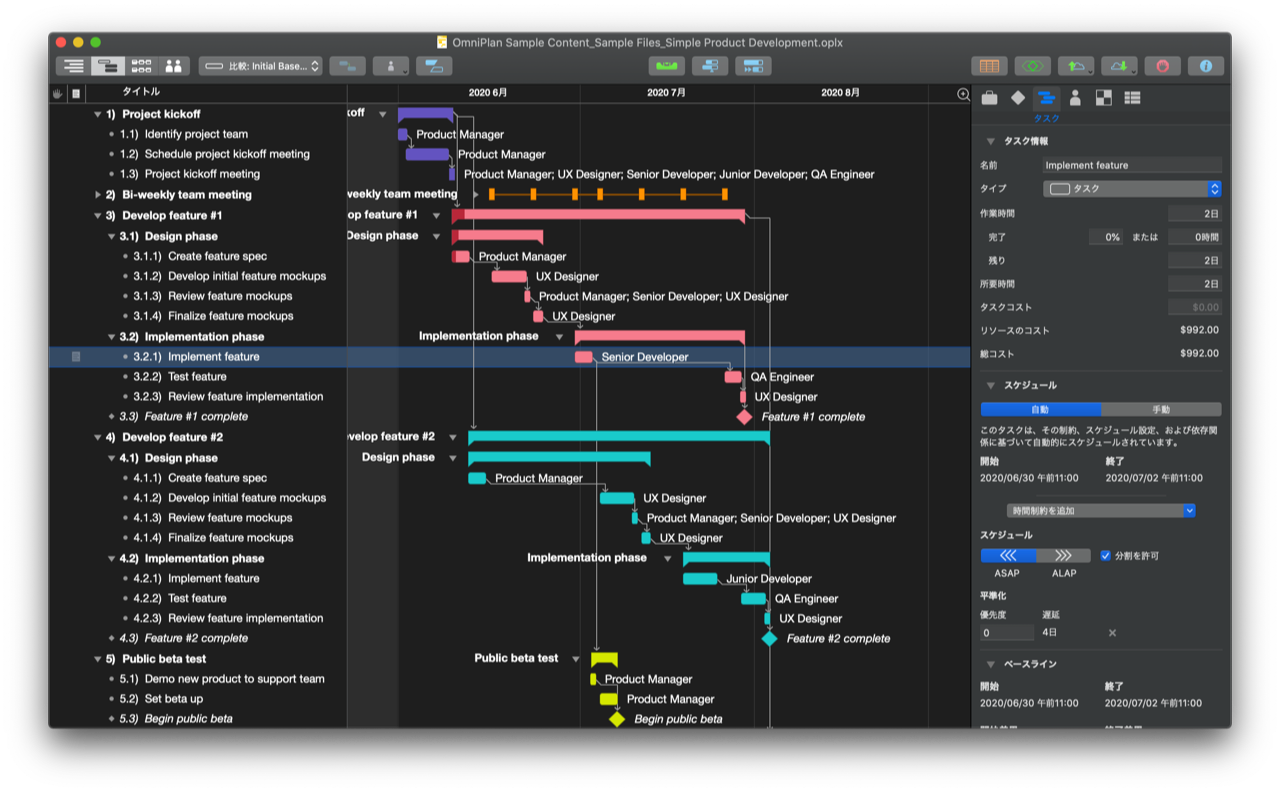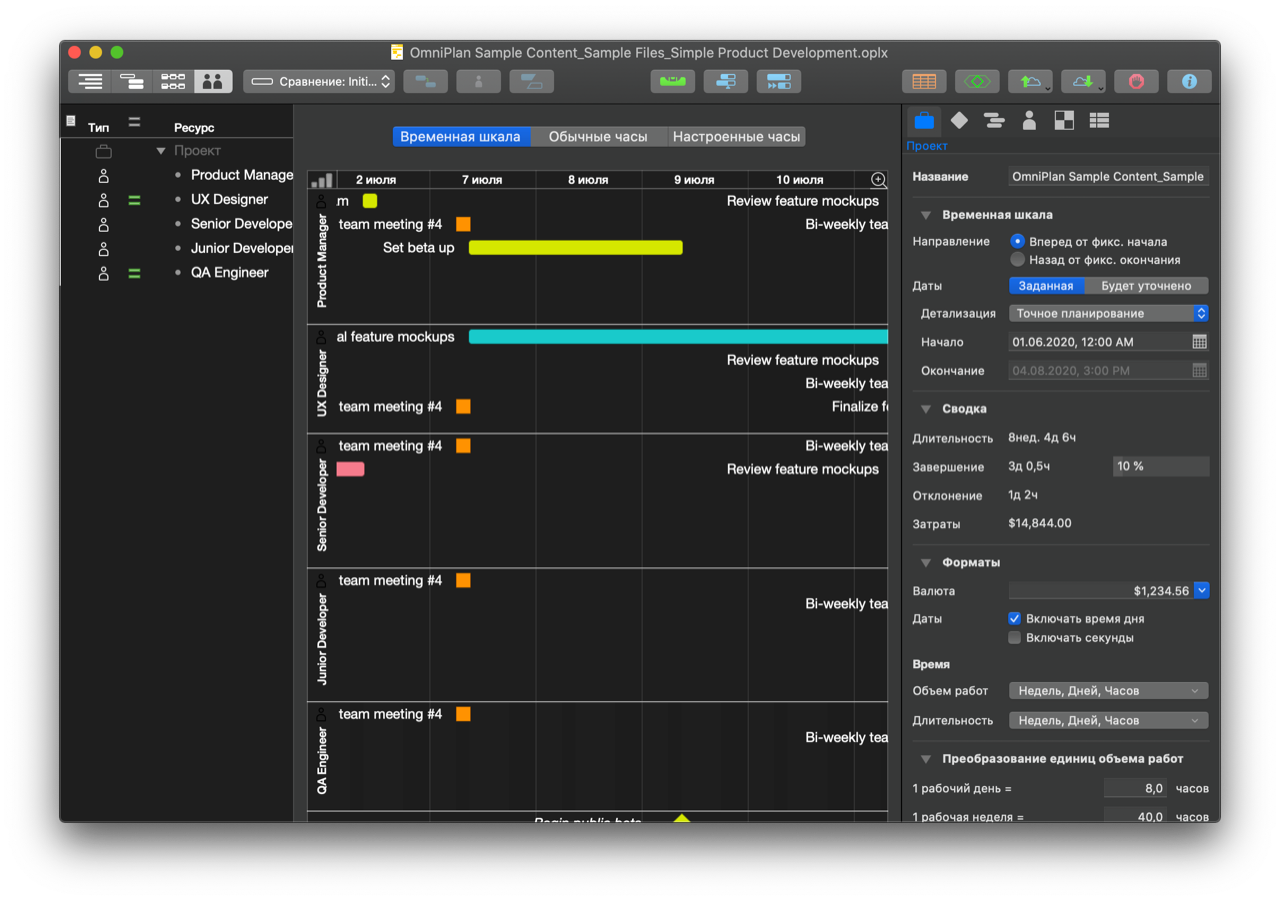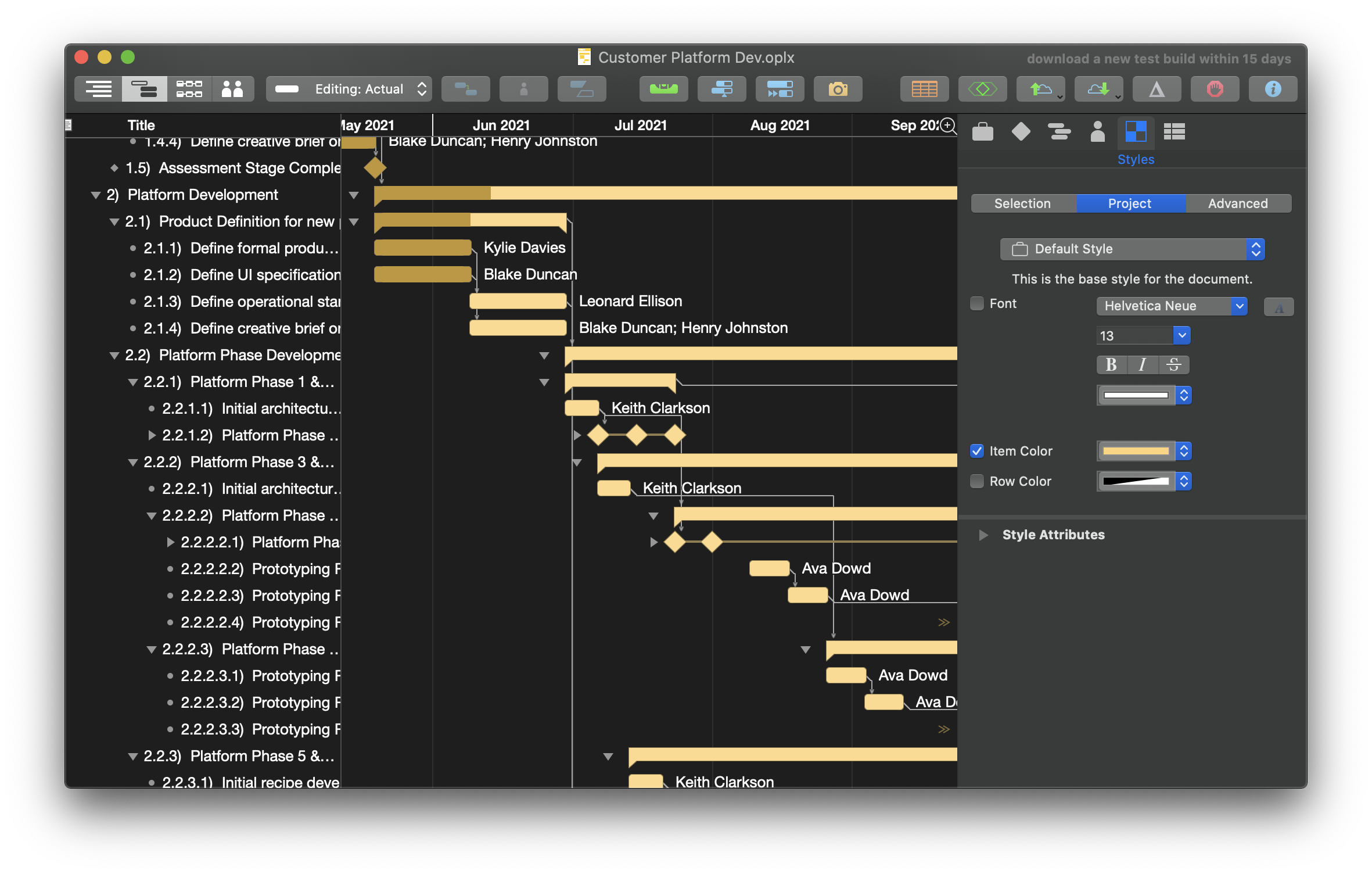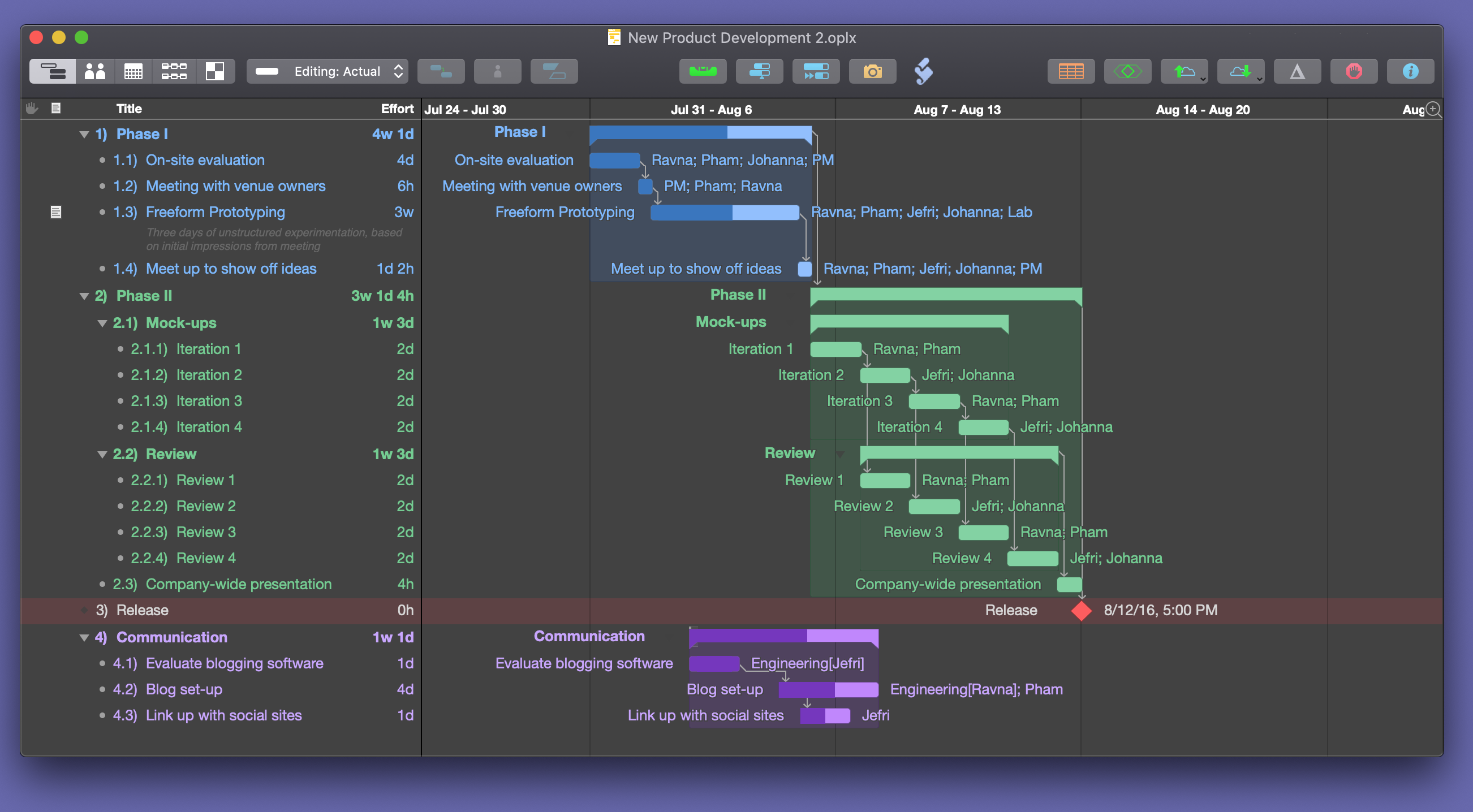
OmniPlan 1.5.1 rc 1 is now available and is a free update for existing OmniPlan 1.x owners. Thanks to all your feedback, we're inching closer to the final release! By now, you've probably already updated to OmniPlan 1.5 but if you haven't and you're on Mac OS X Leopard, we highly recommend that you do so as soon as possible.
Some highlights of this version include fixes for a horizontal scrolling bug in the gantt chart with a Mighty Mouse or trackpad, a leveling bug dealing with resources whose efficiency were not set to 100%, and filtering for blank values in custom data columns is now supported. We've also addressed an issue with AppleScript where OmniPlan's custom window properties were always returning “missing value” when displaying the task view and “Task columns” were returning “missing value” regardless of what view was displayed. They return the appropriate value now. If you are experiencing any issues in rc 1, please let us know as soon as possible.
This version also includes some other bug fixes and enhancements. To learn more about the changes in 1.5.1 rc 1, please see the release notes for more details!
Please keep in mind that this release is still under development. Your feedback will help us improve the software, and we apologize if it breaks your computer, corrupts your files, and ruins your weekend. A more stable release is also available. As always, please let us know if you have any questions or comments. You can contact us directly via our support page or by using the Send Feedback feature in your copy of OmniPlan.
For current 1.5 users, you can use our nifty new software updater to download and install the new rc. For everyone else, go here to download the rc!
OmniPlan 1.5.1 beta 1 is now available and is a free update for existing OmniPlan 1.x owners. By now, you've probably already updated to OmniPlan 1.5 but if you haven't and you're on Mac OS X Leopard, we highly recommend that you do so as soon as possible.
Some highlights of this version include fixes for a crash when leveling selected tasks, a crash when filtering custom data, a bug where projects would always open with the previously used filter applied, and an issue under Leopard where spaces were not allowed in the gantt chart date headers. We've also addressed some issues with the Japanese localization and OmniPlan is now code signed to ensure its integrity and security. If you are experiencing any issues in beta 1, please let us know as soon as possible.
This version also includes some other bug fixes and enhancements (far too many to list here). To learn more about the changes in 1.5.1 beta 1, please see the release notes for more details!
Please keep in mind that this release is still under development. Your feedback will help us improve the software, and we apologize if it breaks your computer, corrupts your files, and ruins your weekend. A more stable release is also available. As always, please let us know if you have any questions or comments. You can contact us directly via our support page or by using the Send Feedback feature in your copy of OmniPlan.
For current 1.5 users, you can use our nifty new software updater to download and install the new beta. For everyone else, go here to download the beta!
OmniPlan 1.5 final is now available and is a free update for existing OmniPlan 1.x owners. Every OmniPlan user should update to 1.5, especially all you Leopard users out there. We'd like to thank all the beta testers who worked with the public betas over the last 4 months and took the time to email us about every bug, crash, and suggestion under the sun!
Some highlights of OmniPlan 1.5's new features include:
- Quick Look support in Leopard.
- Live filtering.
- Multiple date headers.
- Configurable Gantt labels.
- Added two smaller scales: “Hours” and “Minutes”.
- Added scheduling granularities: “Exact”, “Hourly”, and “Daily”.
- File linking for tasks (allowing you to create an external link to a file).
- Print sheet improvements including cropping and more header and footer customizability such as date, time, page numbers, and filename.
- Added “auto-scroll arrows” that appear when a task is off screen to the left or right.
- Integrated software update.
- Timeline overview bar in resource mode.
- Milestones can now be marked as complete.
OmniPlan 1.5 also includes a lot of bug fixes and enhancements (far too many to list here). To learn more about the changes in 1.5, please see the release notes for more details!
As always, please let us know if you have any questions or comments. You can contact us directly via our support page or by using the Send Feedback feature in your copy of OmniPlan.
So, what are you waiting for? Current 1.5 beta users, you can use our nifty new software updater to download and install the new update. For everyone else, go here to download OmniPlan 1.5!
OmniPlan 1.5 RC 2 is now available and is a free update for existing OmniPlan 1.x owners. Thanks to all you brave testers out there, we're now closer than ever to releasing the final. If you find any issues in RC 2 please please please let us know as soon as you can. Also, if you're a Leopard user we strongly recommend that you use OmniPlan 1.5 instead because there are some known issues between OmniPlan 1.1.2 and Leopard.
Highlights of this version include a permanent solution to prevent the overlaid progress meter that comes up for some slow operations from forcing Spaces to switch to the space containing the document window. If you previously disabled the progress meter entirely as we suggested in the release notes for OmniPlan-1.5 beta 3, they will remain disabled until specifically reenabled. In a Terminal window, type “defaults delete com.omnigroup.OmniPlan LongOperationIndicatorDisabled” We also patched up the Automatic Software Update interface in the Italian localization.
To learn more about all the changes in OmniPlan 1.5, please see the release notes for more details!
Please keep in mind that this release is still under development. Your feedback will help us improve the software, and we apologize if it breaks your computer, corrupts your files, and ruins your weekend. A more stable release is also available. As always, please let us know if you have any questions or comments. You can contact us directly via our support page or by using the Send Feedback feature in your copy of OmniPlan.
For current 1.5 beta users, you can use our nifty new software updater to download and install the new beta. For everyone else, go here to download the RC!
OmniPlan 1.5 beta 5 is now available and is a free update for existing OmniPlan 1.x owners. Some highlights of this version include fixes for a crash when dragging new dependency lines in the gantt chart and when closing a project file. If you are still experiencing these crashes in Beta 5, please let us know as soon as possible.
This version also includes a lot of other bug fixes and enhancements (far too many to list here). To learn more about the changes in 1.5 Beta 5, please see the release notes for more details!
Please keep in mind that this release is still under development. Your feedback will help us improve the software, and we apologize if it breaks your computer, corrupts your files, and ruins your weekend. A more stable release is also available. As always, please let us know if you have any questions or comments. You can contact us directly via our support page or by using the Send Feedback feature in your copy of OmniPlan.
For current 1.5 beta users, you can use our nifty new software updater to download and install the new beta. For everyone else, go here to download the beta!
OmniPlan 1.5 beta 2 is now available and is a free update for existing OmniPlan 1.x owners. This version includes a lot of bug fixes and enhancements, including a fix for an issue where OmniPlan would crash on launch for users who were in non-DST (Daylight Saving Time) time-zones. We'd like to thank all of you for sending in your crash reports and for being so patient with us as we worked on a solution. Now that the non-DST bug has been fixed, you too can check out all the latest features we've added to OmniPlan 1.5!
To learn more about the changes in 1.5 Beta 2, please see the release notes for more details! Also, keep in mind that this release is still under development. Your feedback will help us improve the software, and we apologize if it crashes, corrupts your files, or otherwise misbehaves. A more stable release is also available. As always, please let us know if you have any questions or comments. You can contact us directly via our support page or by using the Send Feedback feature in your copy of OmniPlan.
For current 1.5 Beta 1 users, you can use our nifty new software updater to download and install the new beta. For everyone else, go here to download the beta!
Were you wanting to test out the new software updater in OmniPlan 1.5 Beta 1 and thought, “Gee, I really wish there was a new version out already so I could give a try!”?
If so, you're in luck! We've released version 1.5 beta 1a which addresses an issue with “Send Feedback” not being able to compose an email and an issue where pressing the spacebar in the outline view would cause OmniPlan to crash. To use our new software updater, just go to “OmniPlan” > “Check for Updates” in the menubar.
This update is free and is recommended for all OmniPlan 1.x users. Please keep in mind that this release is still under development. Your feedback will help us improve the software, and we apologize if it crashes, corrupts your files, or otherwise misbehaves. A more stable release is also available. As always, please let us know if you have any questions or comments. You can contact us directly via our support page or by using the Send Feedback feature in your copy of OmniPlan.
Download the beta now!
OmniPlan 1.5 beta 1 is now available and is a free update for existing OmniPlan 1.x owners. There's lots of exciting new features like:
- Linking Attachments
- Live Filtering on View (which also applies to exports & printing)
- Configurable Gantt Chart Label
- Summary Headers
- Scheduling Granularity
- Chevrons (They appear when a task is off screen. Clicking a chevron will scroll the view to make the task visible)
- QuickLook for Leopard users
- Automatic Download & Install of updates
- ...a whole slew of enhancements and bug fixes. :-)
Please see the
release notes for more details! Also, keep in mind that this release is still under development. Your feedback will help us improve the software, and we apologize if it crashes, corrupts your files, or otherwise misbehaves. A more
stable release is also available. As always, please let us know if you have any questions or comments. You can contact us directly via our
support page or by using the Send Feedback feature in your copy of OmniPlan.
Download the beta now!
OmniPlan 1.1.2 is now available! Nothing has changed from 1.1.2 RC 1, but the highlights for 1.1.2 include Mac OS X Version 10.5 Leopard support, fixes for some Microsoft Project MPX and XML import bugs, a fix for importing .CSV files encoded in UTF-16, a fix for exports to OmniGraffle for French and Simplified Chinese users, and some localization fixes. You can view a complete list of changes in the OmniPlan 1.1.2 release notes here.
This is a free update for folks who already own an OmniPlan 1 license, so we encourage all OmniPlan users to upgrade to the latest version.
As always, please let us know if you have any questions or comments about OmniPlan. You can contact us directly thru our support page or by using the Send Feedback commend in OmniPlan's Help Menu.
Download OmniPlan 1.1.2 now!
OmniPlan 1.1.2 RC 1 is now available! We've added a couple of MPX bug fixes, updated some Dutch and Italian localization files, and fixed an issue where exporting to OmniGraffle in French and Simplified Chinese resulted in a file with encoded tags instead of data from your plan.
Please keep in mind that this release is still under development. Your feedback will help us improve the software, and we apologize if it crashes, corrupts your files, or otherwise misbehaves. A more stable release is also available.
As always, please let us know if you have any questions or comments. You can contact us directly via our support page or by using the Send Feedback feature in your copy of OmniPlan.
Download the Release Candidate now!