Omni Newsletter Summer 2026
Is it Summer already? How did that happen? We’ve had our heads down (with exceptional productivity) and thought we’d come up for air a moment to share what we’ve been up to so far this year.
OmniOutliner 6
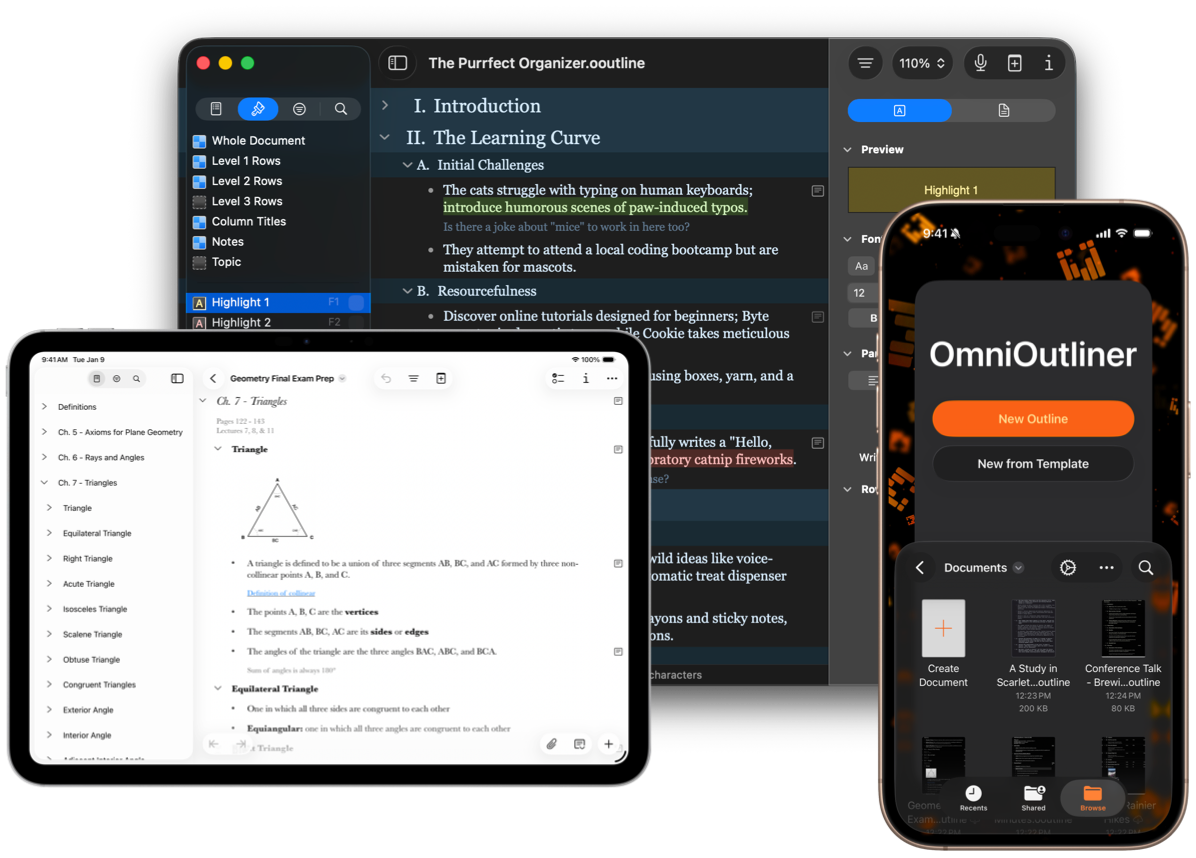
Great things often begin with outlines, and we began the year with a great new outliner! There’s no doubt that a great outlining tool can provide a big productivity boost. Whether you’re a writer or a student, an attorney or a software developer, outlines created in OmniOutliner can help clarify and develop ideas and concepts.
Our exciting new major version, OmniOutliner 6, shipped as a universal app for all of Apple’s computing platforms — desktop, mobile, and spatial — and introduced groundbreaking Omni Links, on-device integration with Apple Intelligence, and a visually refreshed Liquid Glass design with a modernized look and feel.
Omni Links let you link to content across all your devices, share those links with other people, integrate with other apps, and build powerful Omni Automation plug-ins. Plus, various Apple Intelligence integrations are available with a single-click installation of the Omni Automation plug-ins you choose.
Available for a free two-week trial, check out OmniOutliner with new features across each of Apple’s computing platforms. But we didn’t stop there!
OmniOutliner 6.1
OmniOutliner 6.1 introduced a powerful collection of new Shortcuts actions—bringing the collection of actions available to 25! OmniOutliner Shortcuts actions can be used to create, add content to, or manipulate data within an OmniOutliner document, integrate OmniOutliner with other applications or Apple Intelligence, and more!
For anyone interested in taking the new OmniOutliner Shortcuts actions for a test drive, our team built a handful of example shortcuts:
Spanish, Japanese, and German translations for row text,
populating an OmniOutliner document with content created by another application such as nearby coffee shops from Apple Maps,
and moving information out of OmniOutliner into another application (in the case, OmniFocus).
OmniOutliner Shortcuts actions can also tap into Apple Intelligence via the Use Model action. OmniOutliner shortcuts also can still leverage the full power of cross-platform Omni Automation via the Omni Automation Script and Omni Automation Plug-In actions. There are endless workflow possibilities.
OmniOutliner 6.2
For us, localizing our software isn’t just a checkbox: it’s an expression of our values. We value people, respect our international neighbors, and encourage listening to each other with humility. Plus, it feels really great to dedicate resources in a way that aligns with our values and mission.
As such, we released OmniOutliner 6.2 with localizations in Dutch, French, German, Italian, Japanese, Korean, Portuguese, Russian, Simplified Chinese, and Spanish. Or should we say, “now with localizations in Deutsch, Español, Français, 日本語, Nederlands, Italiano, Русский, 简体中文, Português do Brasil and 한국어”?
OmniFocus Updates
With so much OmniOutliner news, one might rightly assume all’s quiet on the OmniFocus front. Au contraire!
Since January there were no less than five updates across all of the platforms, and one additional update specifically for the Mac platform. Some of these updates included interface refinements and updates to documentation, but all of the updates focused on fixing bugs reported to us. We’re lucky to have a terrific community of customers who will take a minute and submit issues directly.
We try to make feedback submission easy by including a contact mechanism in the app Help menu that pre-populates an email with information about your installed app version. Of course, you can also simply email support@omnigroup.com with any issues. Either way, we very much appreciate every bug report submitted, and you can clearly see how we put those reports to good use. For anyone interested, who has a spare minute to help us test, head on over to our test page to find links to in-progress app updates.
By any measure, five OmniFocus updates across all platforms and one additional update specifically for the Mac together constitute quite a few maintenance updates. We think they’re important to you and they’re definitely important to us.
As an aside, we’ve also been laying the groundwork for improving sync performance for people on other continents, and testing that as well.
Fun at WWDC
What a fun WWDC26! This year was our first experience attending CommunityKit. We enjoyed meeting with long-time OmniGraffle users at the CommunityKit Indie Fair, reminiscing about OmniGraffle’s 25-year history and looking ahead to the upcoming OmniGraffle 8. Our CEO, Ken Case, also really enjoyed meeting up with other visionOS developers at the Step Into Vision event, noting that the energy of the passionate visionOS developers reminded him of the NeXT era.
It was also fun playing music at Live Near WWDC – the benefit concert featuring “James Dempsey and the Breakpoints” performing songs written by developers on programming themes. You can watch the show on the livenearwwdc.com site, or on YouTube. It’s gratifying to sponsor an event that brings together the developer community, and supports inclusivity in tech.
And, of course, beyond meeting up with the community, for this year’s WWDC we thought Apple might refine some of the major leaps forward from the last two years. And they did not disappoint!
Omni Roadmap 2026 — Post-WWDC Update
Beyond the fun at WWDC, we always look forward to what Apple will announce. Afterwards—which includes some time to digest and reflect—we share an update to the year’s roadmap.
Naturally, the Post-WWDC Roadmap Update includes some initial analysis about what we learned from WWDC 2026, and the ways in which advances in technologies, like SwiftUI, App Intents, Siri AI and Apple Intelligence, can impact our original gameplan.
Of course, our roadmap update also outlines our work this summer to have updates ready for OmniFocus, OmniGraffle, OmniOutliner and OmniPlan, ensuring compatibility with iOS 27, iPadOS 27, macOS Golden Gate 27, visionOS 27 and watchOS 27 on day one.
Highlights from The Omni Show
We’re always interested to hear and showcase the unique ways people approach productivity and our software. Here are some highlights from the amazing community surrounding the Omni Group’s award-winning products, as heard on The Omni Show:
The Omni Show: How Peter Boumgarden, PhD Uses OmniFocus — Dad, professor, director of the Koch Center, and the assistant vice provost of undergraduate education for Washington University, Dr. Boumgarden pulls wisdom from several disciplines to outline his particular approach to using OmniFocus to organize, plan and narrow his attention to next actions while not losing sight of the big picture, including a novel way to automate a reflective component and close out the day effectively.
The Omni Show: How Trevor Foley Uses OmniFocus — A 20-year operations veteran across media, marketing, and technology organizations, Trevor shares his unique, efficient operational perspective, such as his “hub and spoke” philosophy for making OmniFocus your decision-making layer (not just your to-do list), plus his surprisingly practical family calendar system that’s kept his household in sync for over 15 years without a single “who’s picking up the kids” text.
The Omni Show: How Ryan Briggs Uses OmniFocus — A very engaging quantitative social scientist, Ryan Briggs, provides a fascinating view of data, including the data available from his own prolonged experience with OmniFocus, from undergraduate chaos, to academic research, to family life, tenure and parenting, as he reflects on finding a system that truly fits your brain to take the weight off.
From the Omni Labs: Universal OmniGraffle 8 Takes Shape
When we last checked in on OmniGraffle 8 development, we told you about the project of bringing Inspector palettes from the Mac app to all the other platforms. We also outlined the design challenge involved in dozens of Inspector palettes (used for content creation, arrangement, navigation and organization, and for manipulating the properties and appearance of objects, canvases, and the document itself) being readily available on all platforms, without being overwhelming, especially on smaller screens.
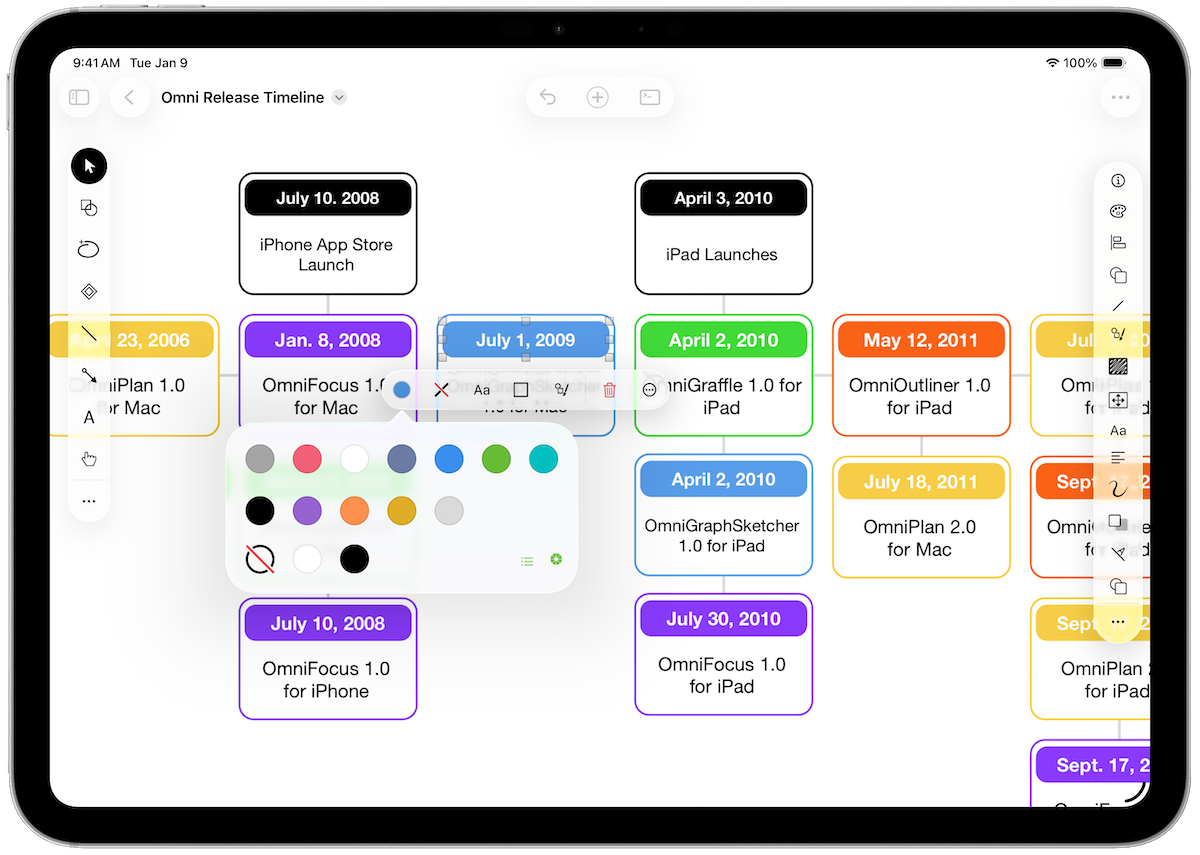
The OmniGraffle team has stayed heads down on the development of OmniGraffle 8, refining newly introduced features, polishing up UI elements, and mowing down bugs. In recent OmniGraffle 8 for Mac test builds we’ve introduced a brand new app icon, adopted the more standard term “Symbols” (replacing the “Reference Objects” terminology used previously), and substantially updated the set of built-in Workspaces. We’re also continuing to work to improve performance, making progress towards a broader TestFlight of OmniGraffle 8 for iOS (and visionOS!), as well as updating our designs so that OmniGraffle 8 will feel at home on OS 27.
If you’re interested in where OmniGraffle is headed, and you use macOS 15 Sequoia or later, plus have the time to put it through its paces, you’re invited to download a test build of OmniGraffle 8 for Mac today.
Until Next Time
Thank you very much for reading this latest issue of the Omni Newsletter. Until next time, stay in touch with us on Mastodon, and of course on our blog.
Want to catch up on past newsletters? Check out the archive here.