
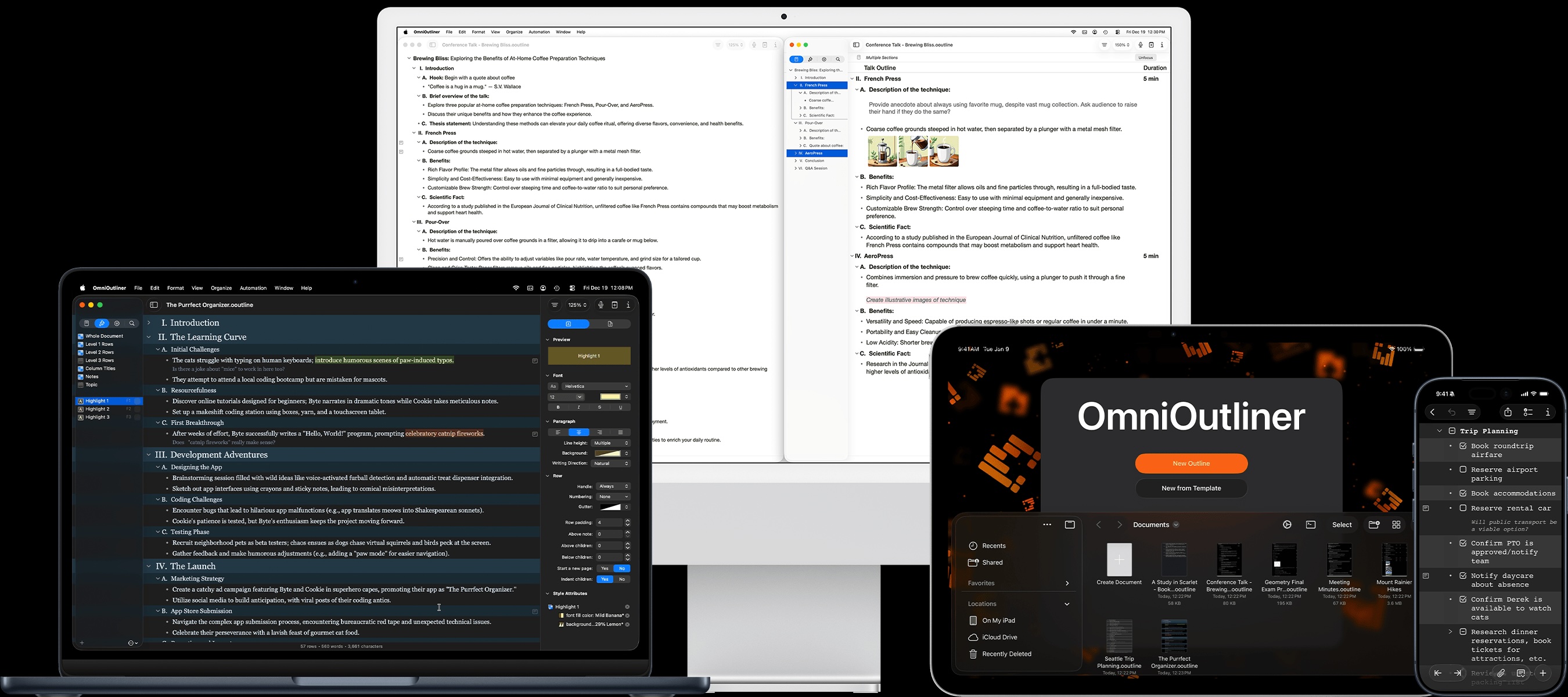
Your thoughts, in order.
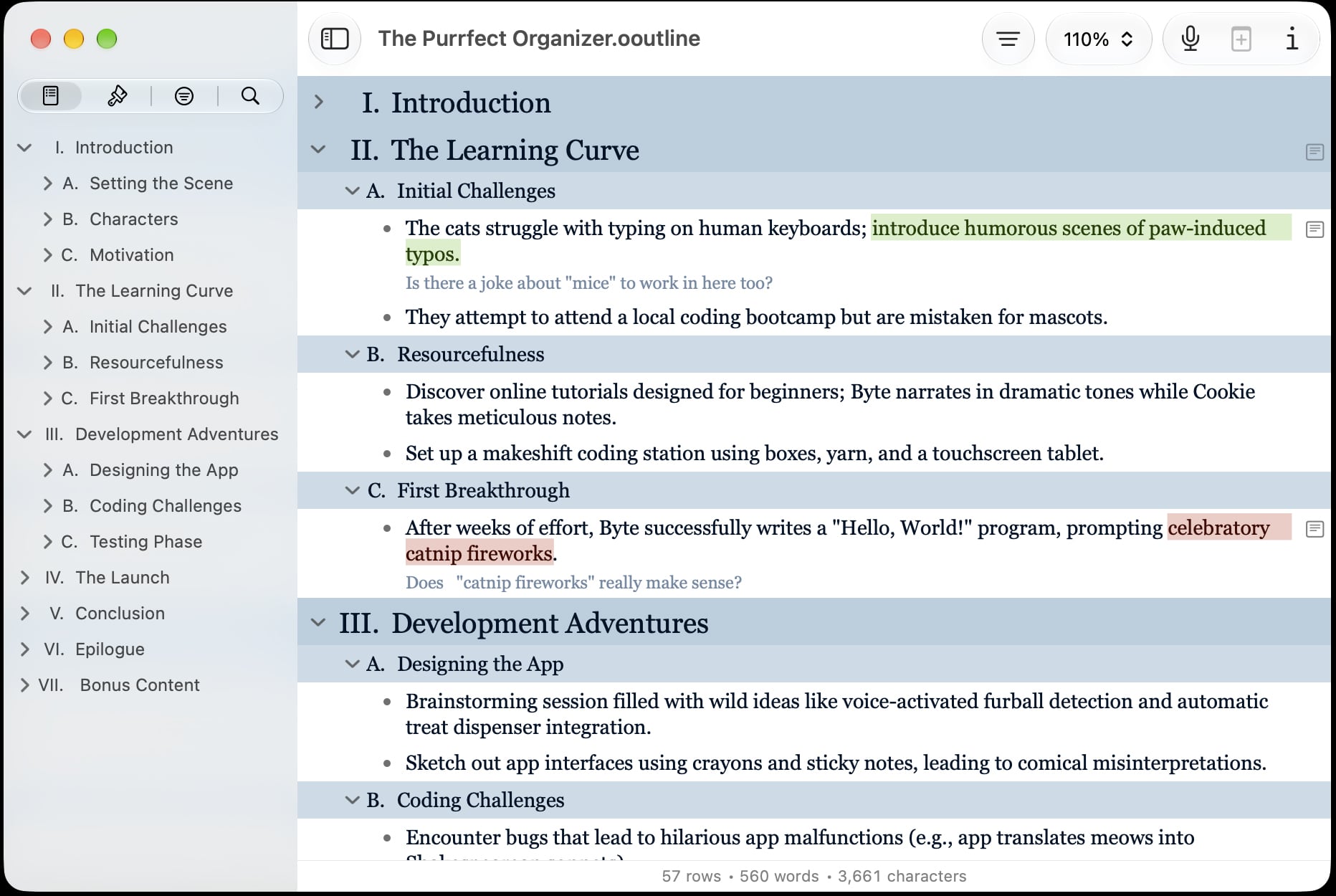
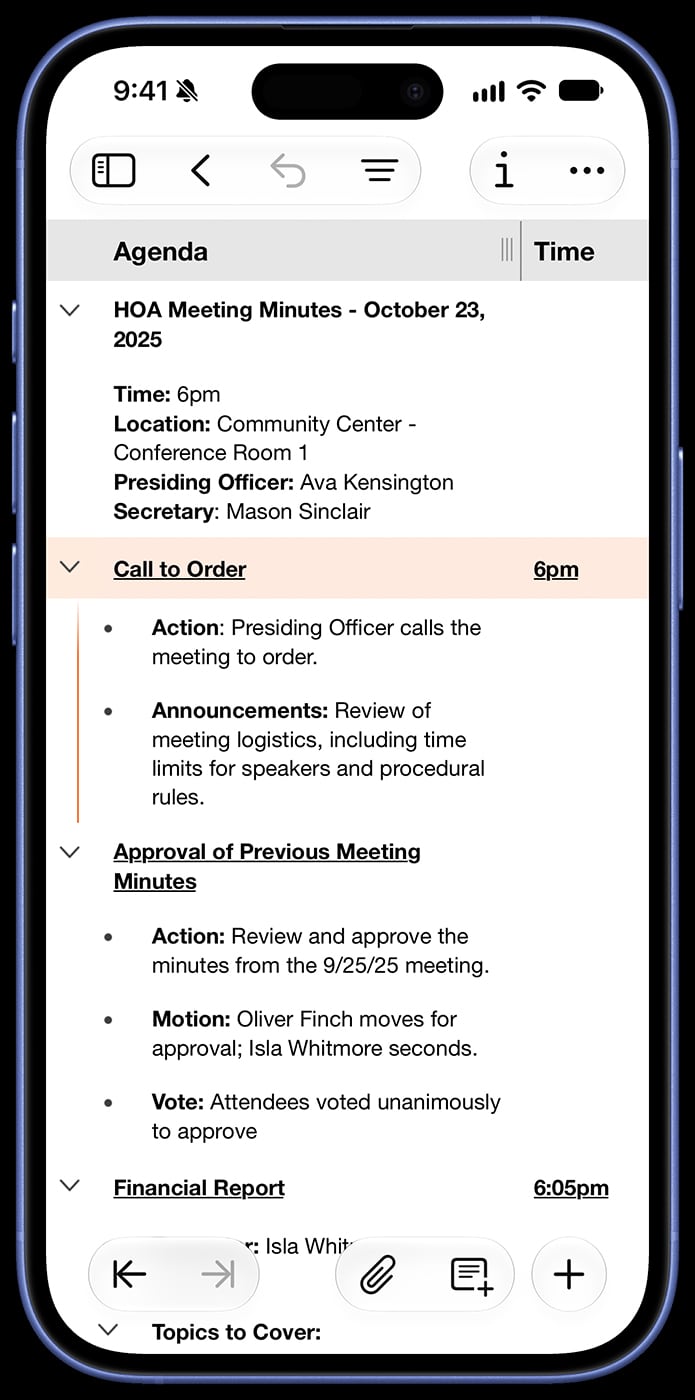
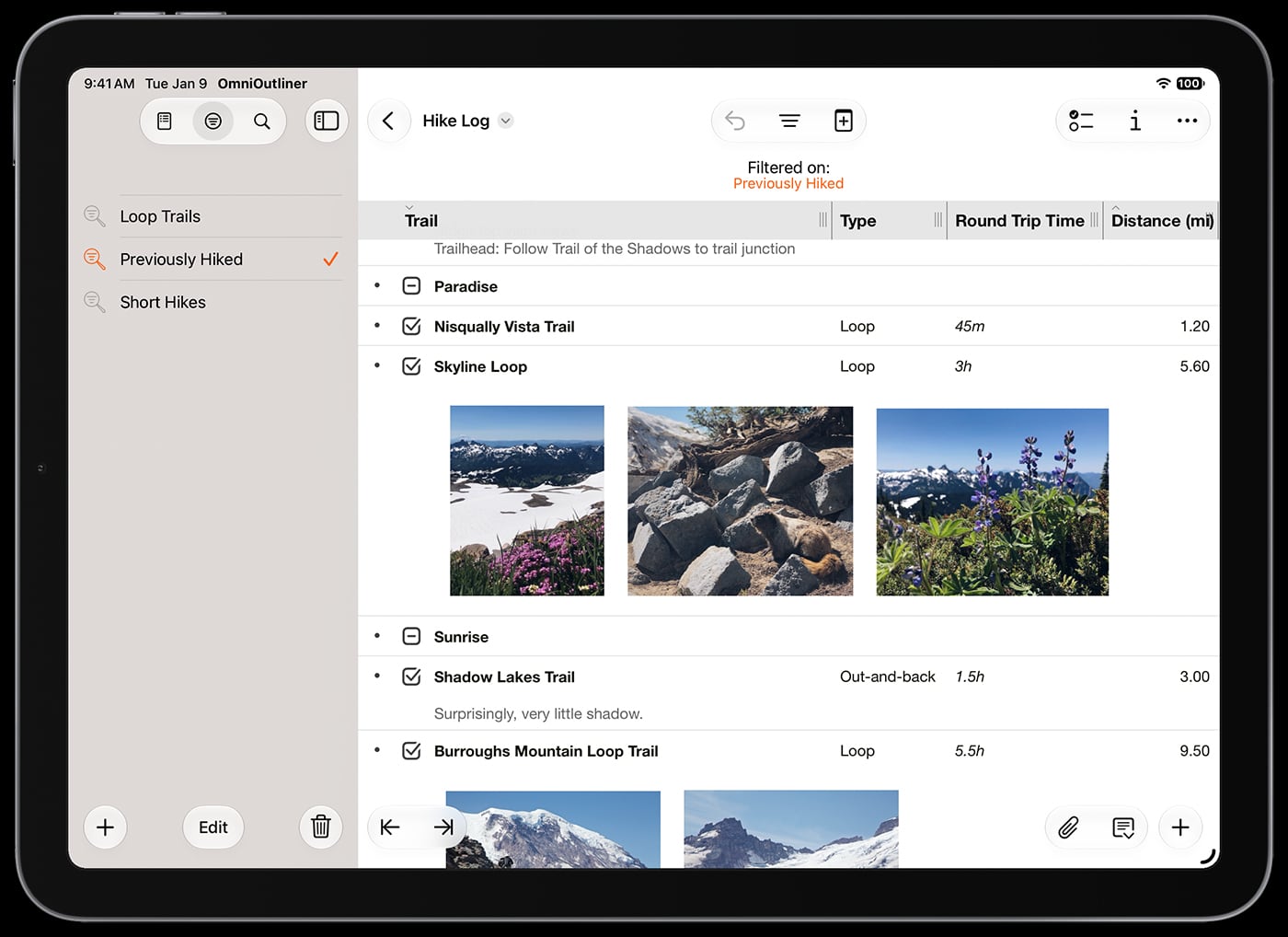
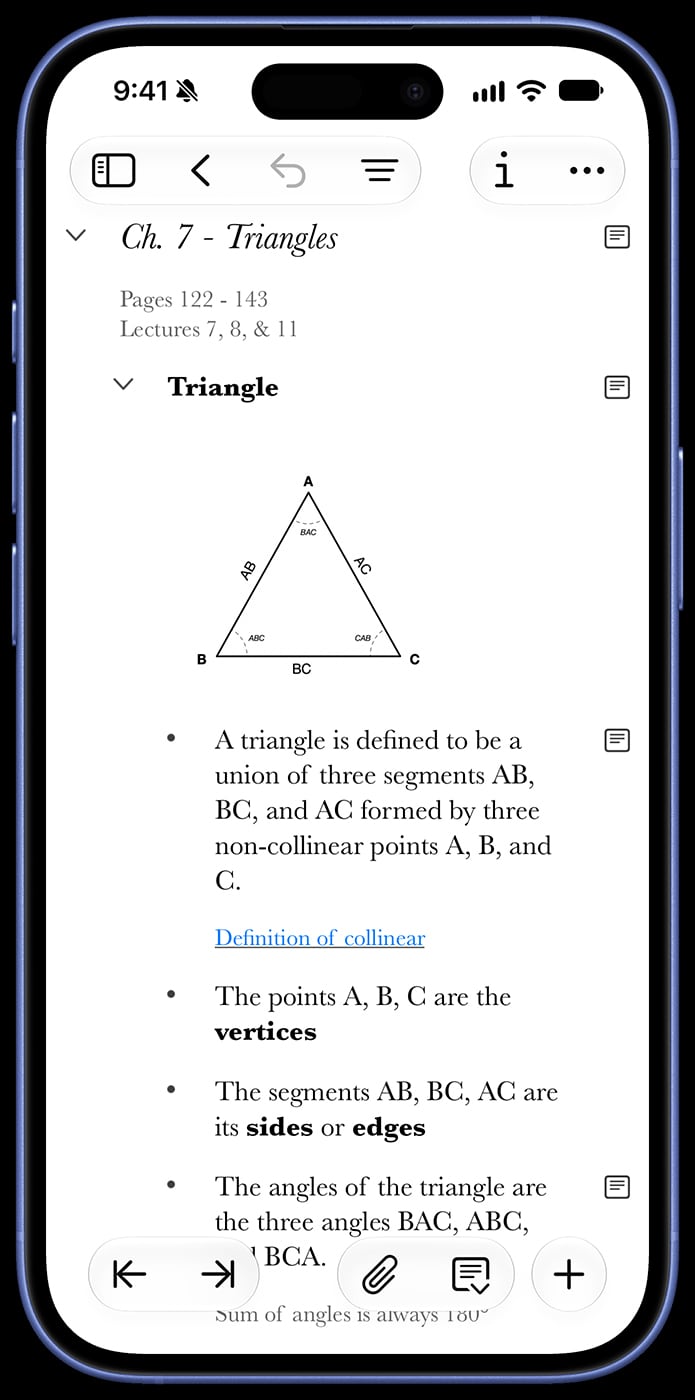
OmniOutliner is a powerful tool for organizing (and reorganizing) information, so you can see the full picture and structure your information effortlessly.

"I've been using OmniOutliner for 20 years, and it's truly the best (and most trusted) system I've found to stop trying to use my brain as a filing cabinet."
Phil Alden Robinson
Director and Screenwriter
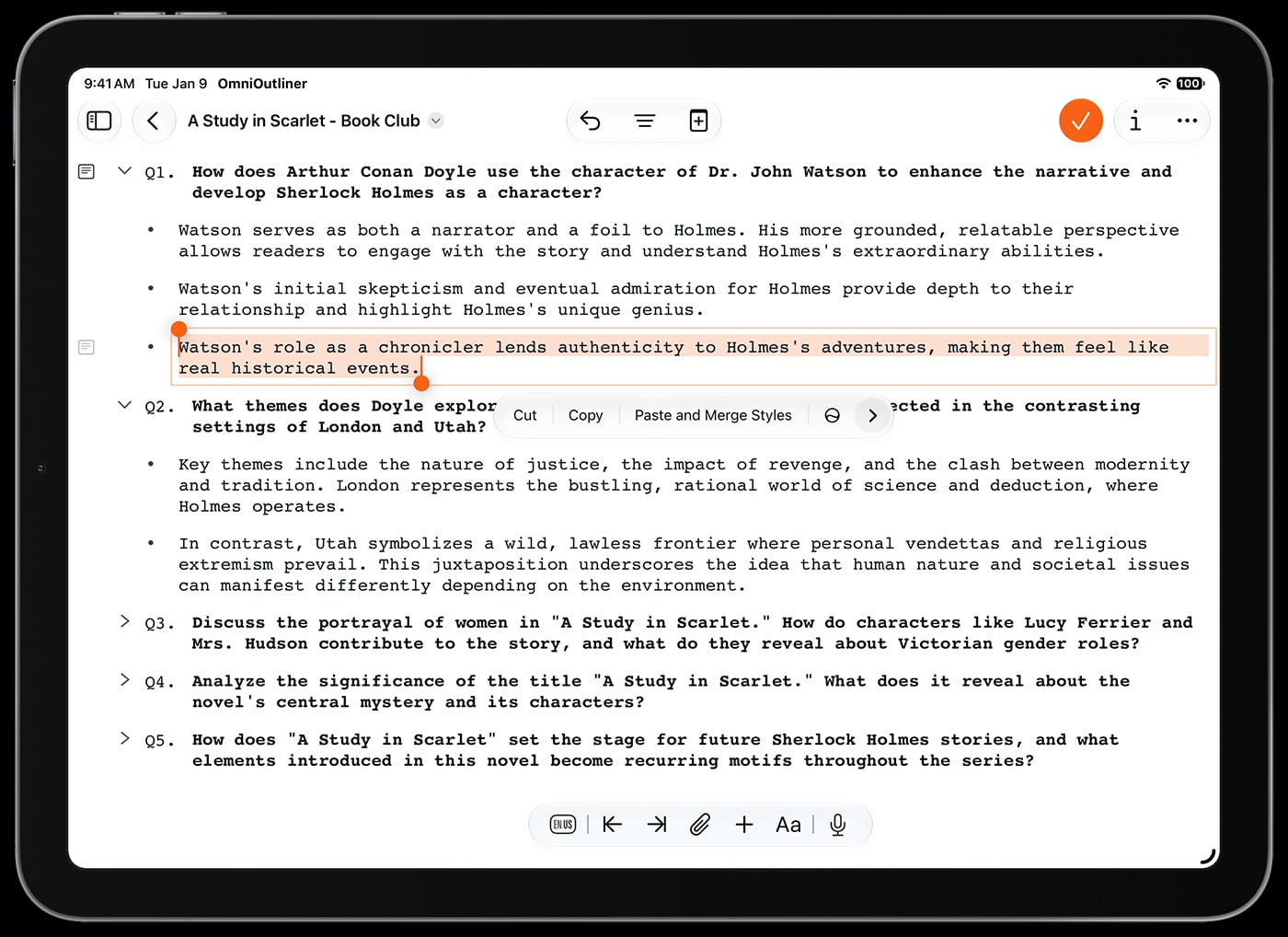


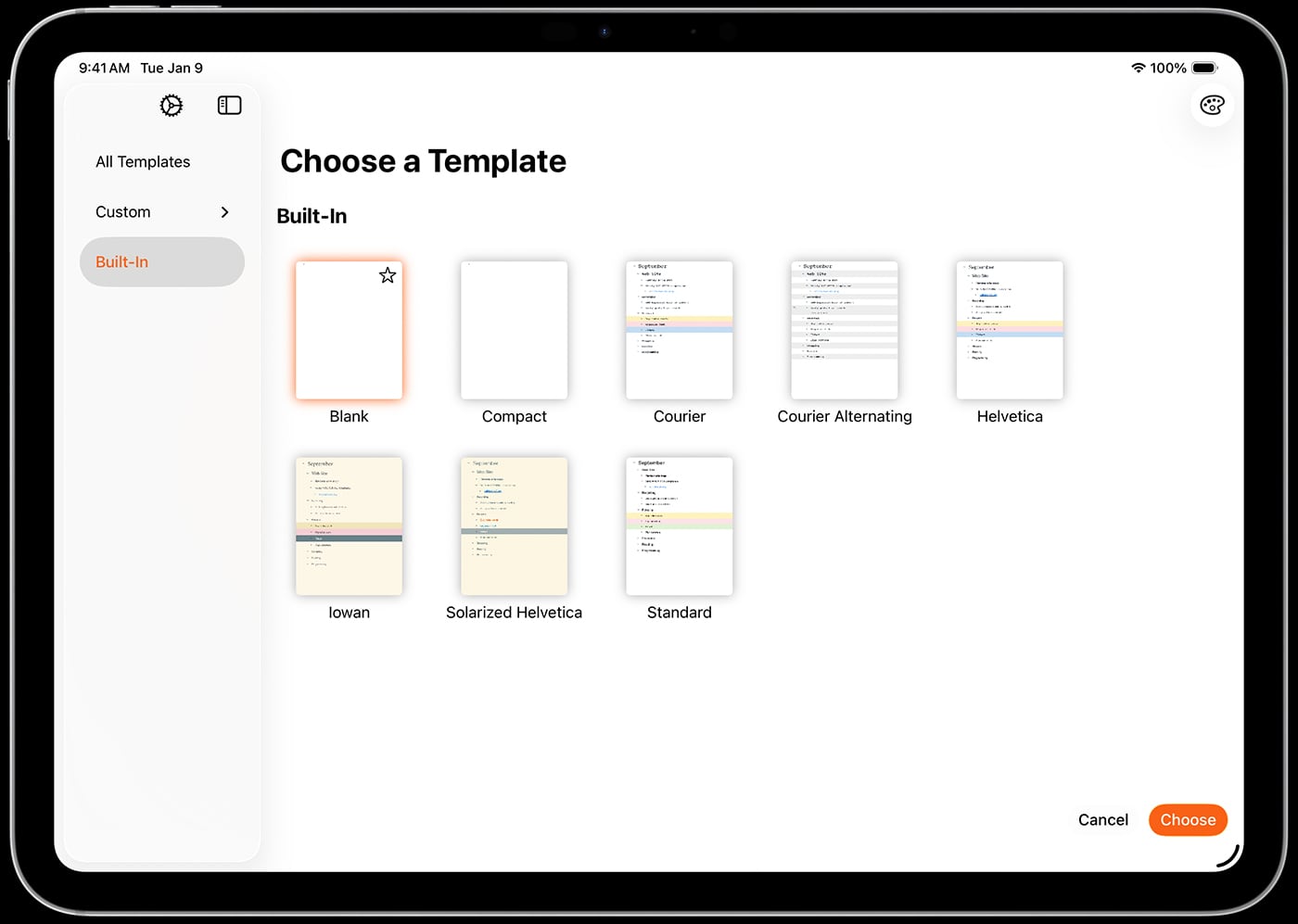
"I lead 100+ people across 4 timezones and rely on OmniOutliner for project plans, one on ones, brainstorming, meeting notes, you name it. […] I can’t imagine life without it."
Mike Burke
Software Development Director
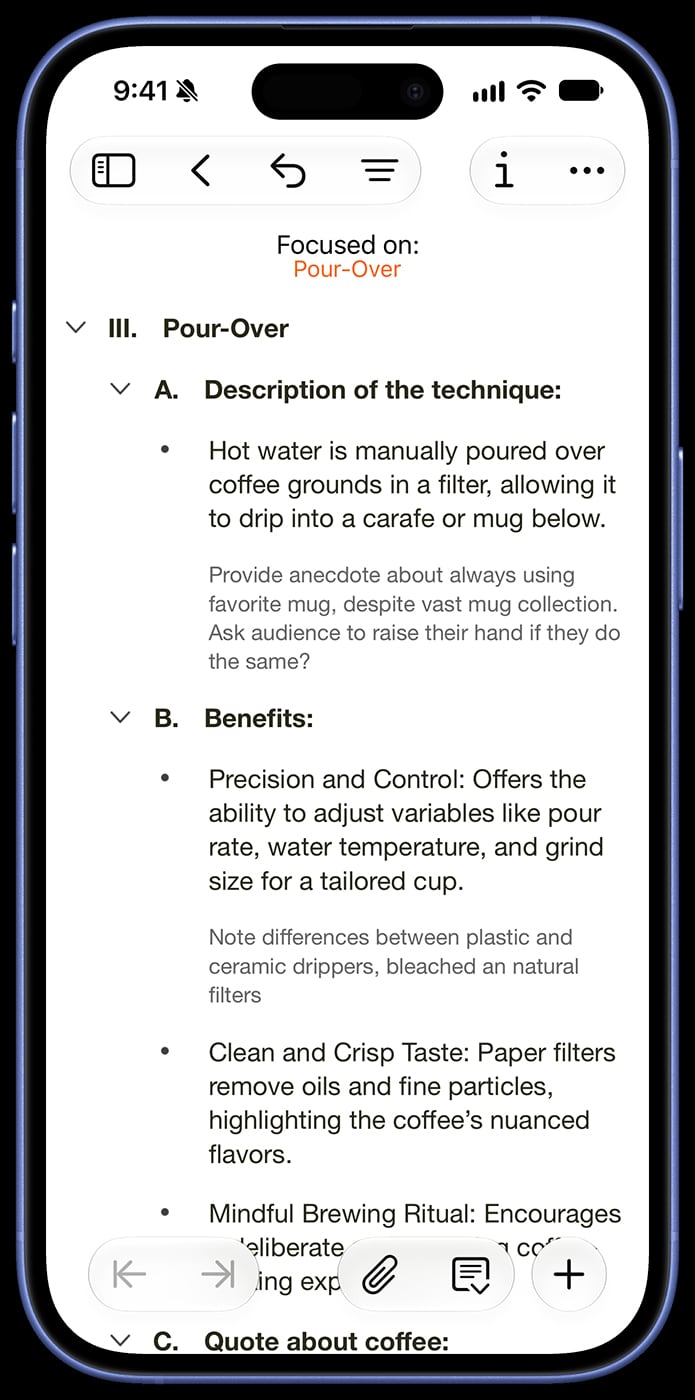
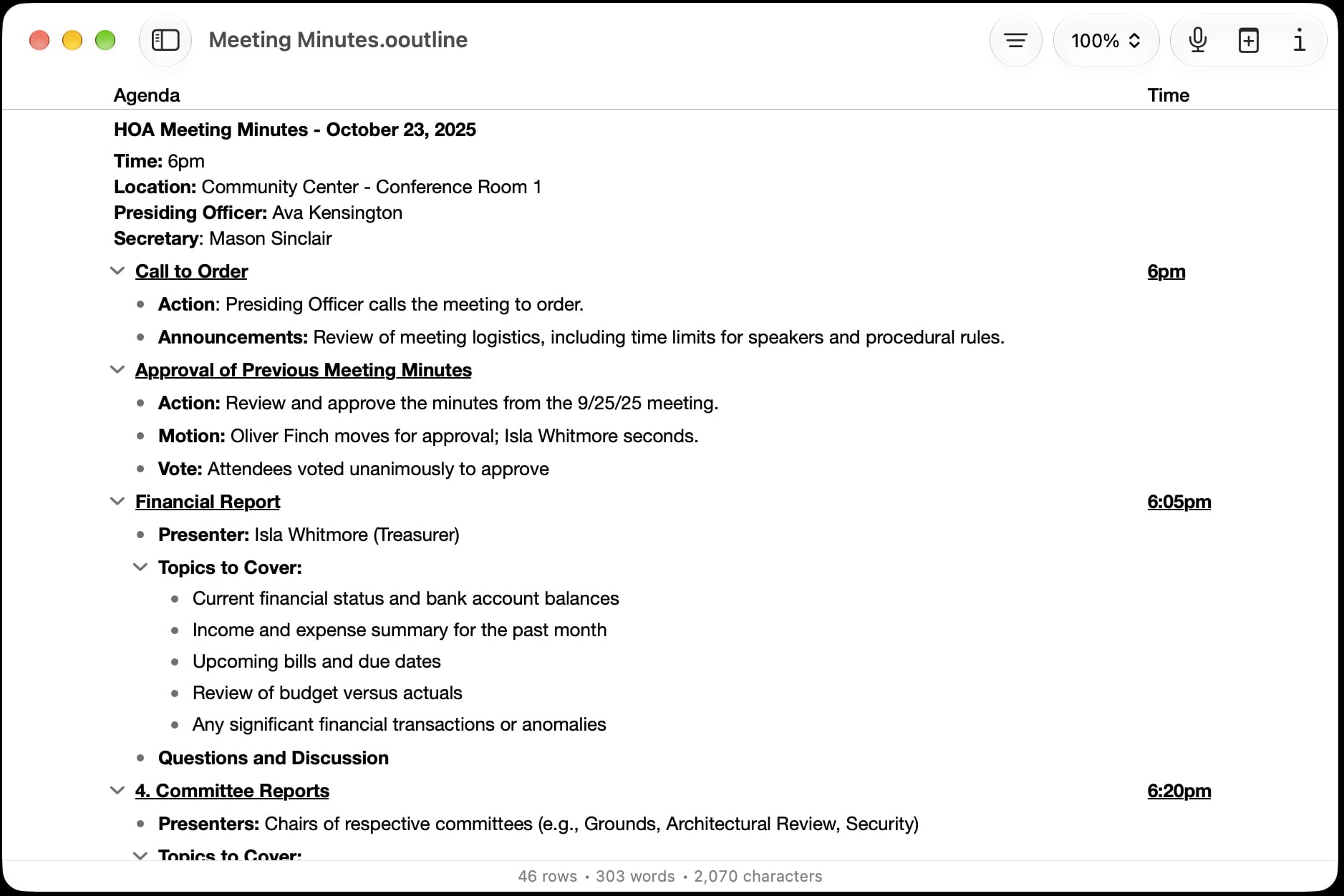
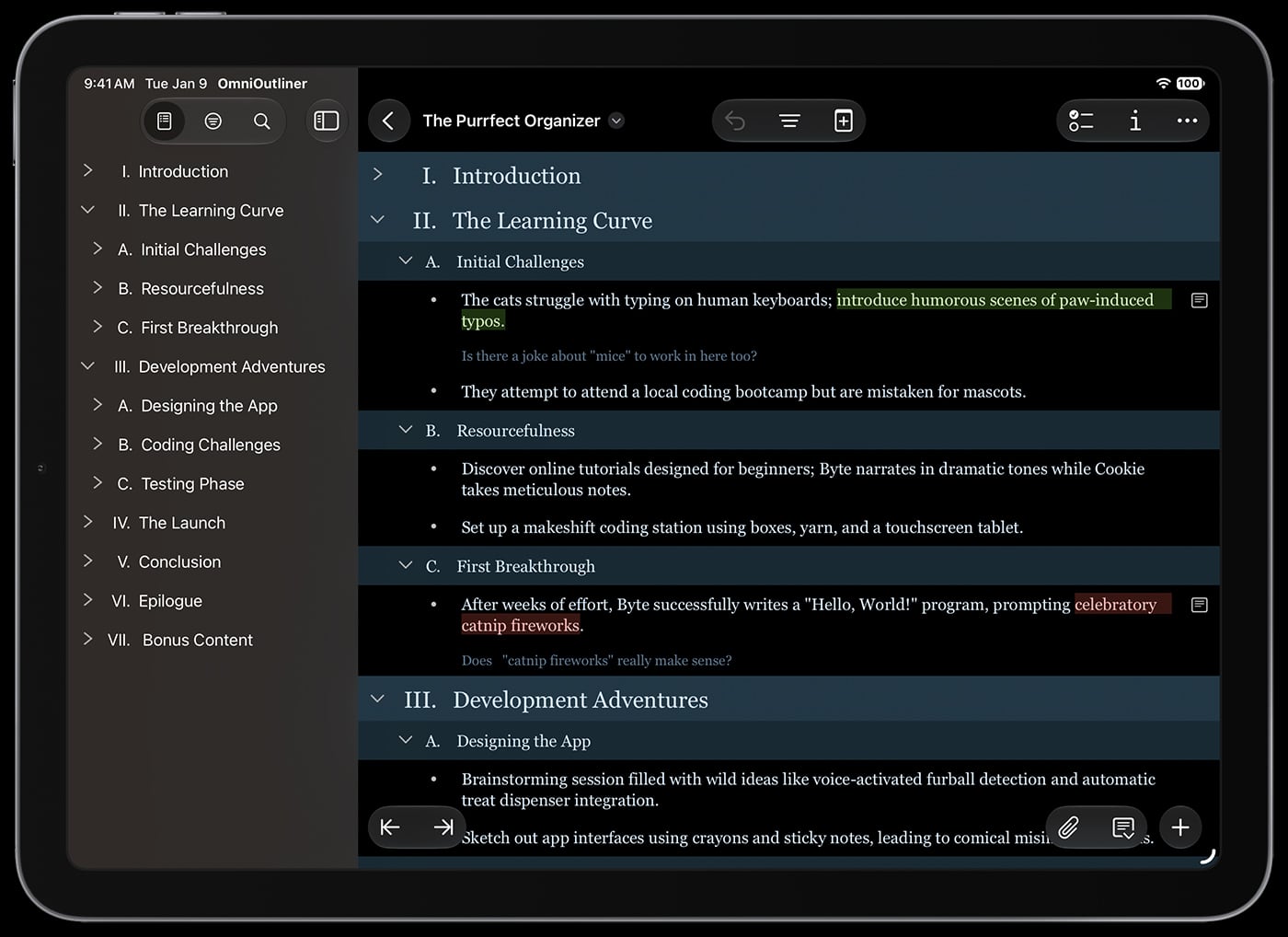
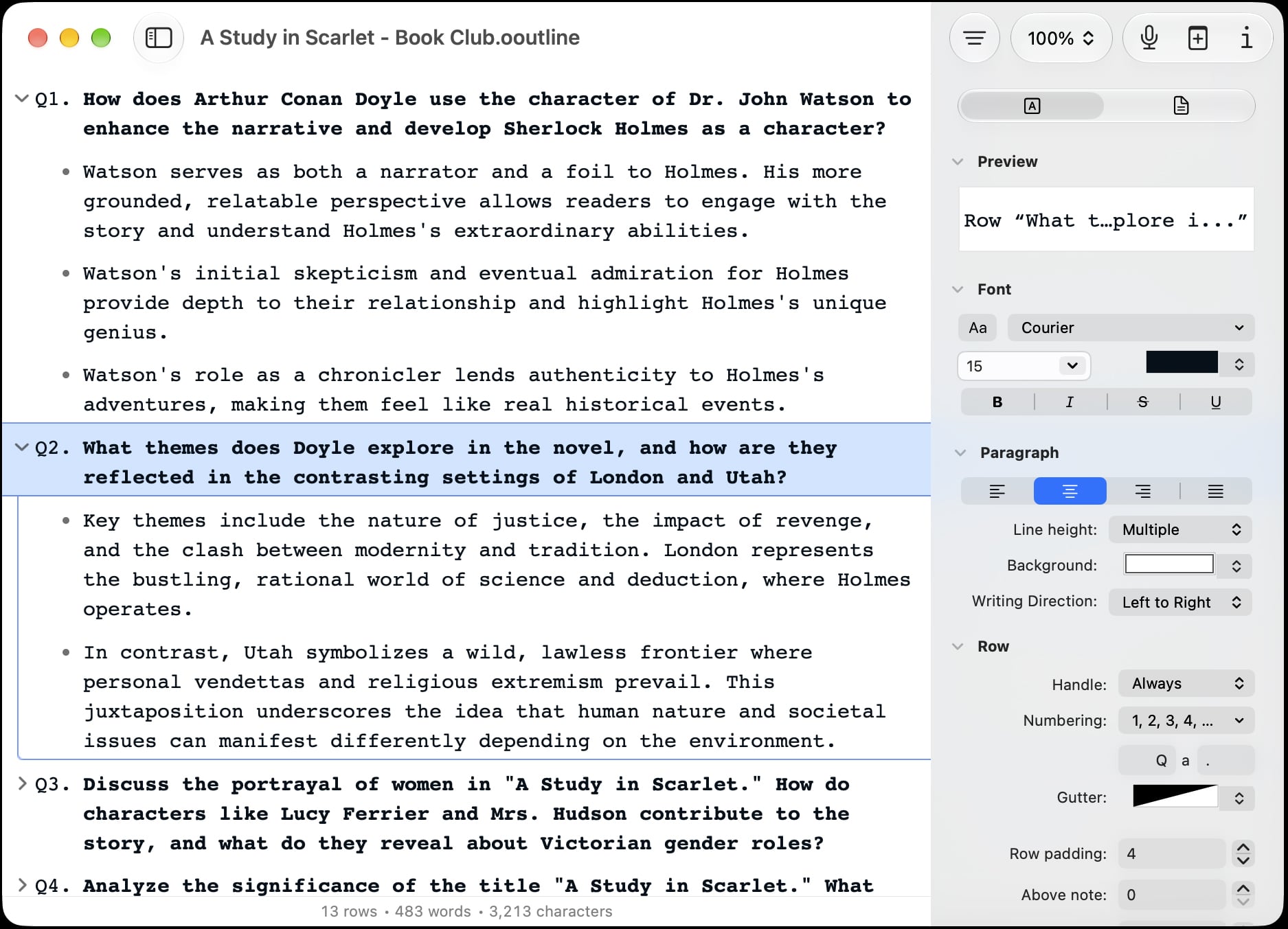
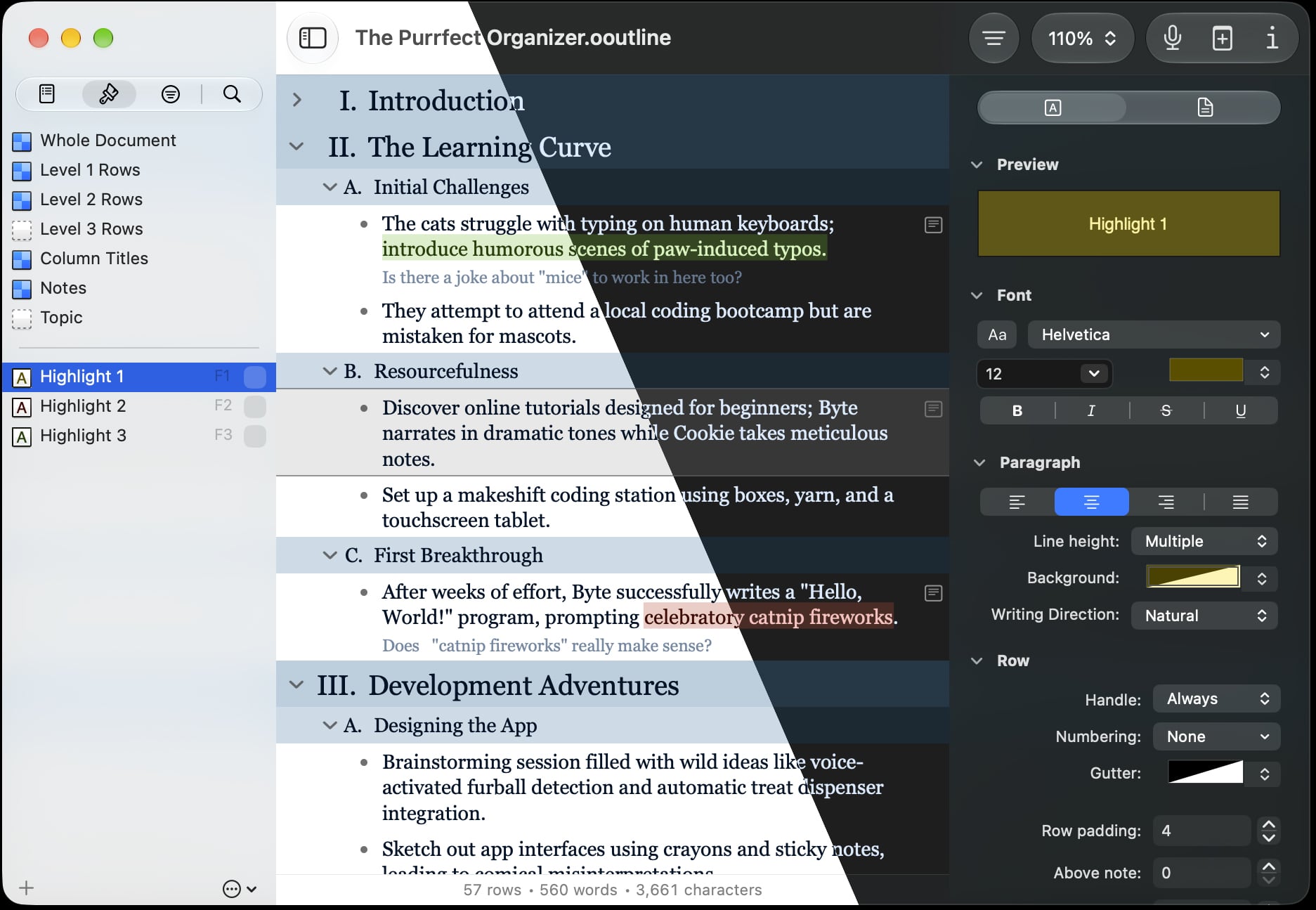
A smarter way to write, a more productive way to stay organized. Whatever your project, OmniOutliner has the tools you need to get the job done.

Products
© 1994–2026 The Omni Group; Apple, MacBook, the Apple logo, iPad, iPhone, Apple Watch, and App Store are trademarks of Apple Inc., registered in the U.S. and other countries and regions. Apple Vision Pro is a trademark of Apple Inc.