

Powerfully productive
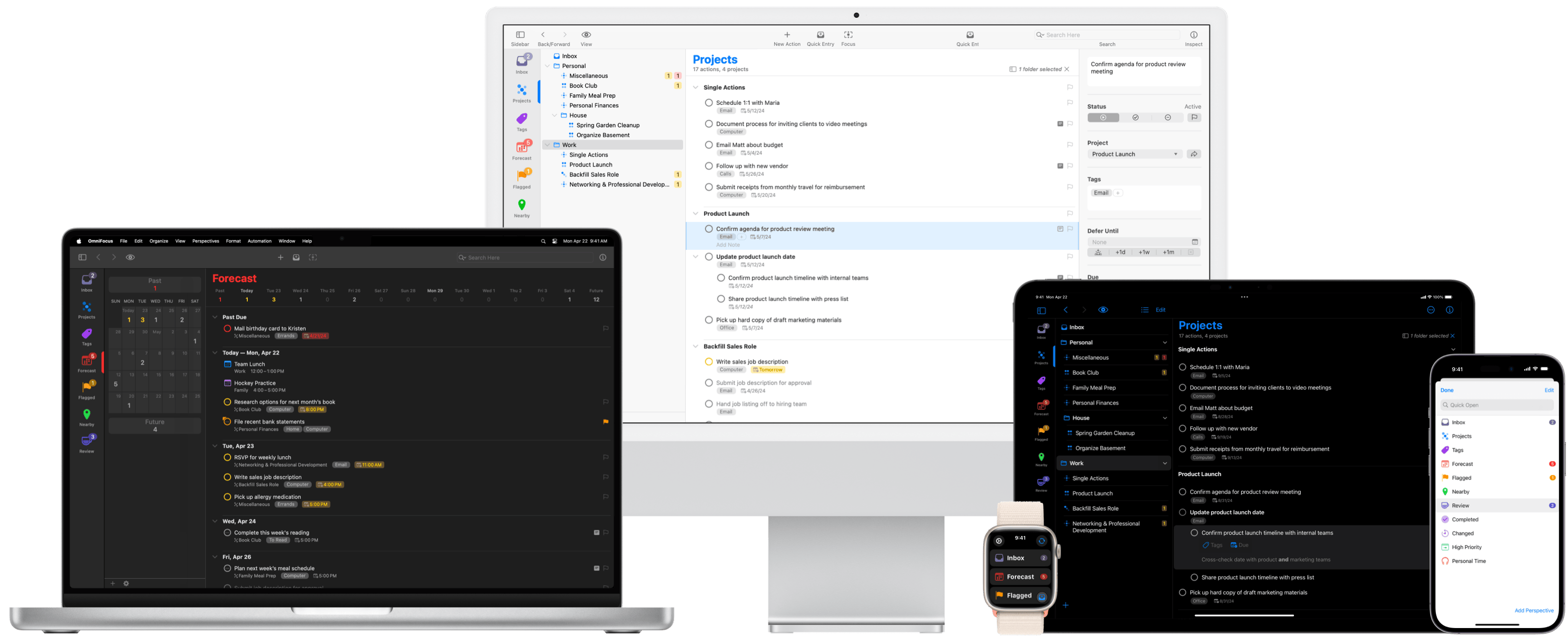
OmniFocus is powerful task management software for busy professionals. With tools to help tame the chaos, you can focus on the right tasks at the right time.
Capture
Keep track of everything
More to do than you can keep in your head? OmniFocus makes it simple to capture tasks from anywhere. And because it’s deeply integrated with Apple devices, OmniFocus becomes a seamless part of your workflow.
-

Your brain just got a big upgrade
OmniFocus acts as a second brain, allowing you to capture and organize all of your activities in a powerful and easy-to-maintain system.
-
Get tasks out of your head, quickly, from anywhere
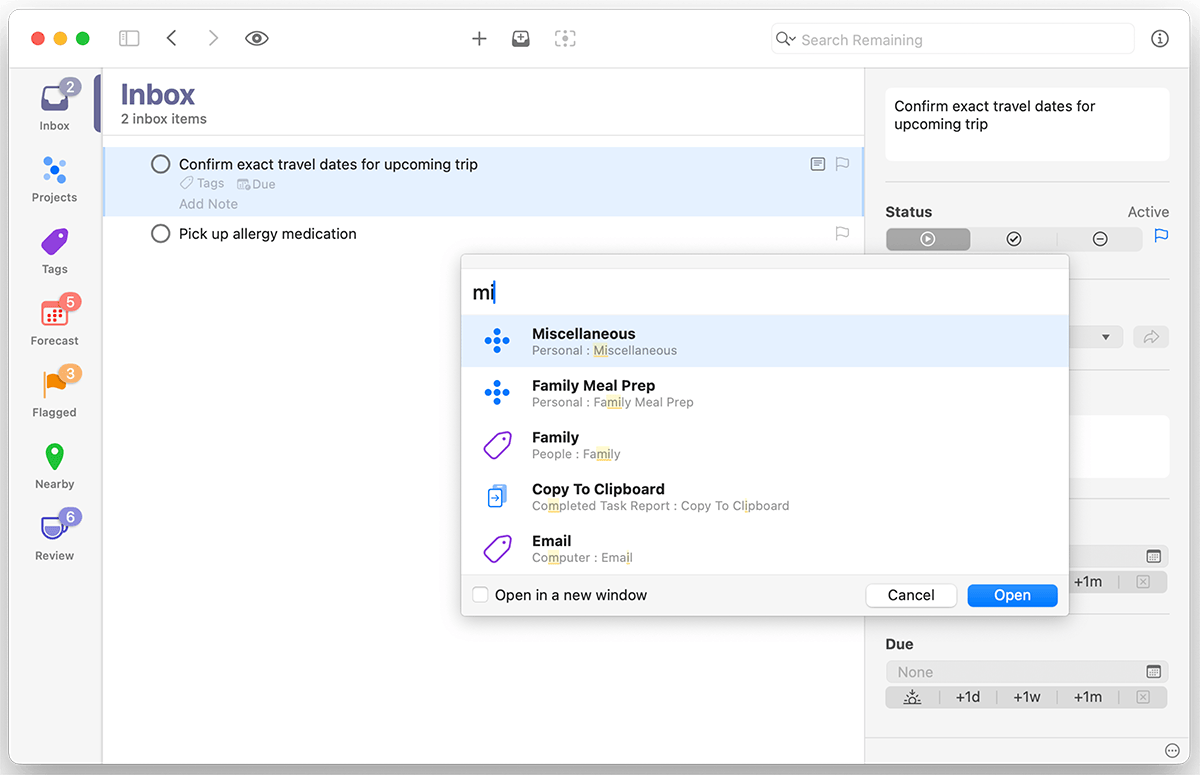
Adding a task to your Inbox is as simple as typing a quick keyboard shortcut.
-
Stay organized on all your devices
OmniFocus syncs across all your Apple devices or to your PC with OmniFocus for the Web.
Capture
Keep track of everything
More to do than you can keep in your head? OmniFocus makes it simple to capture tasks from anywhere. And because it’s deeply integrated with Apple devices, OmniFocus becomes a seamless part of your workflow.
Your brain just got a big upgrade
OmniFocus acts as a second brain, allowing you to capture and organize all of your activities in a powerful and easy-to-maintain system.
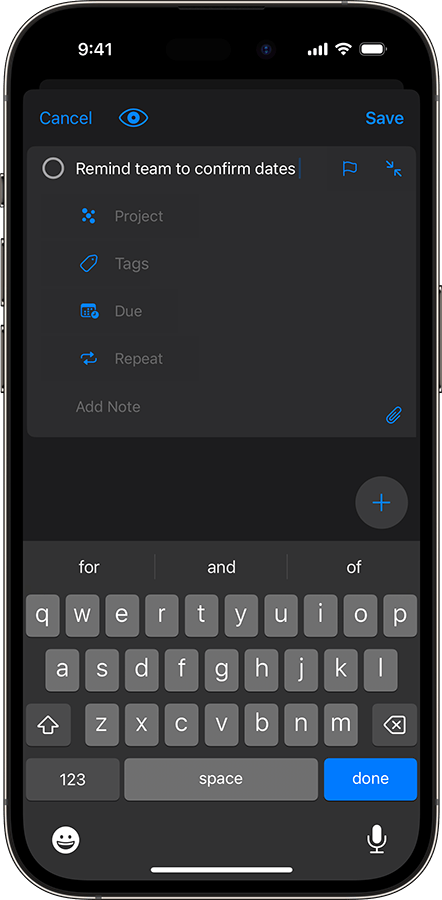
Get tasks out of your head, quickly, from anywhere
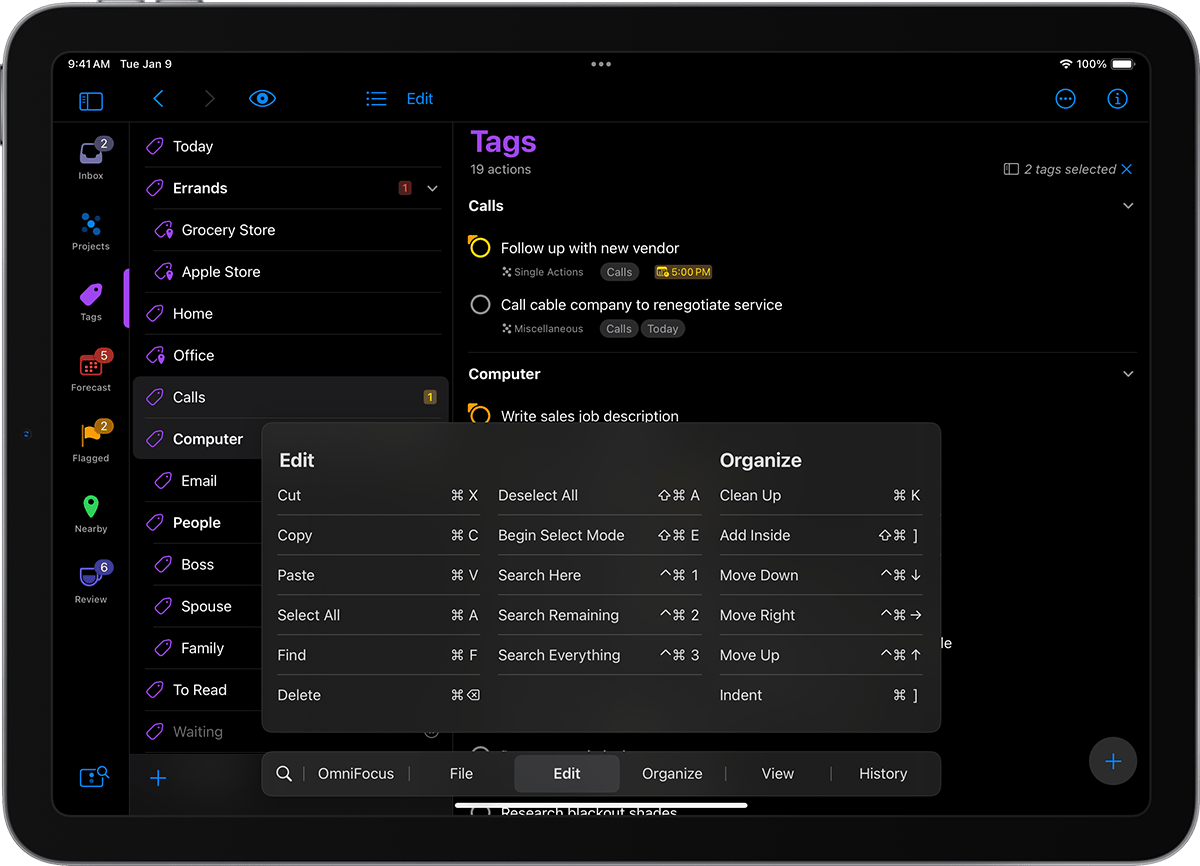
Adding a task to your Inbox is as simple as typing a quick keyboard shortcut.
Stay organized on all your devices
OmniFocus syncs across all your Apple devices and is available on Android or PC with OmniFocus for the Web.
Achieve your goals and get more out of life—efficiently.
Organize
See the big picture
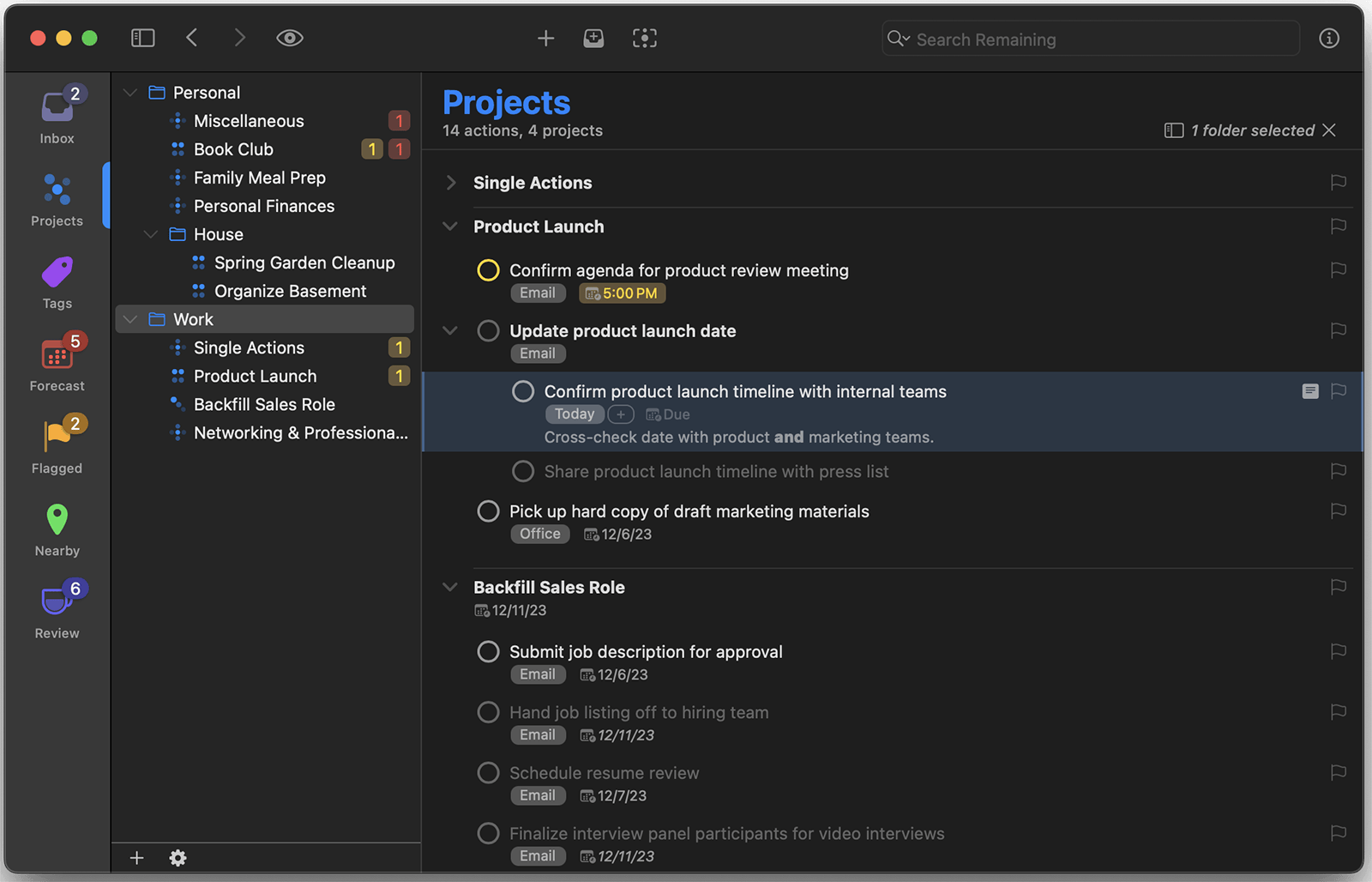
OmniFocus helps you turn chaos into order with powerful features like forecasting, projects, and tagging.
-
Untangle your day
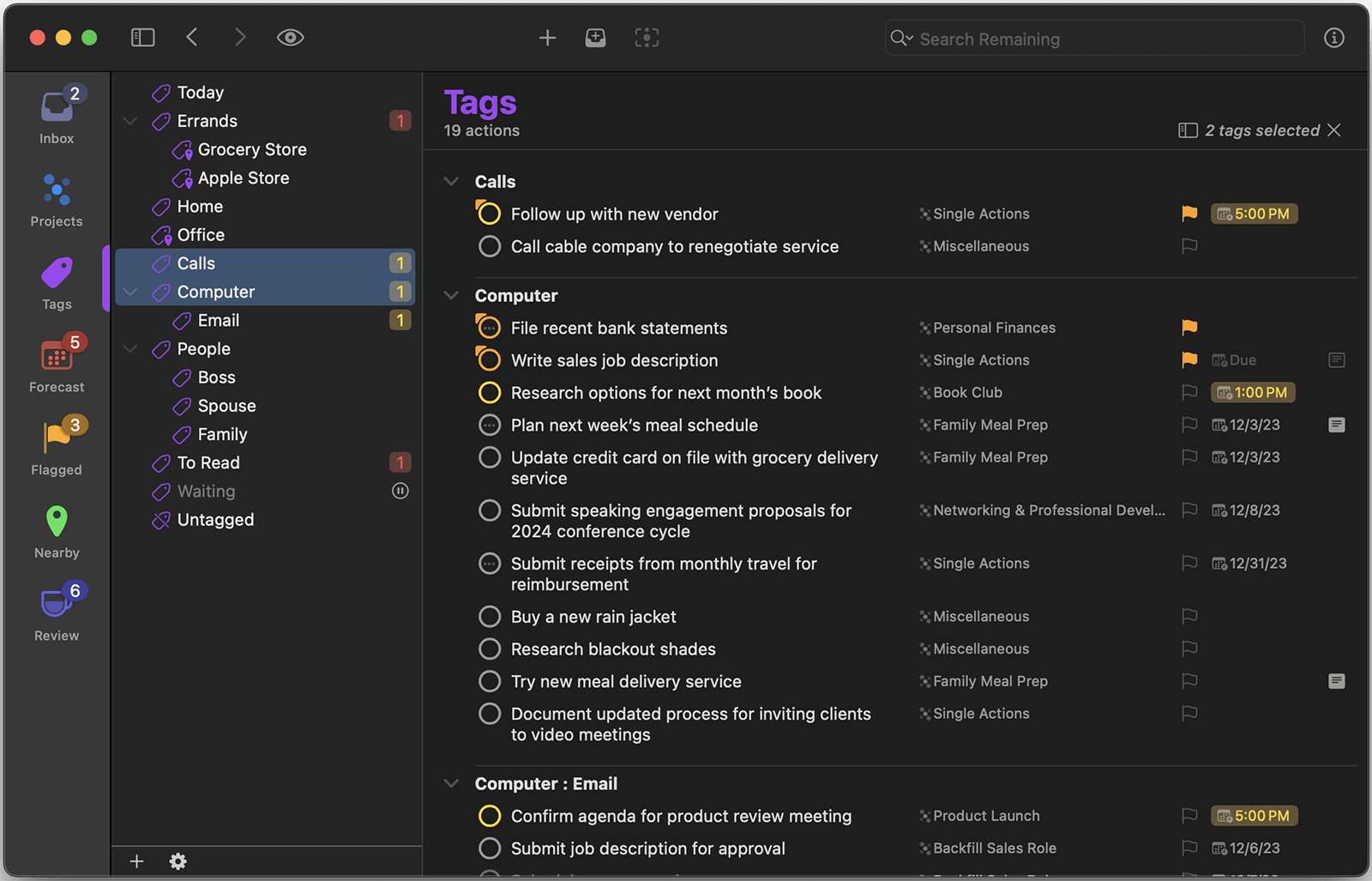
Projects, tagging, and due dates allow you to quickly lay out your week for maximum productivity.
-
Lower stress, increase control
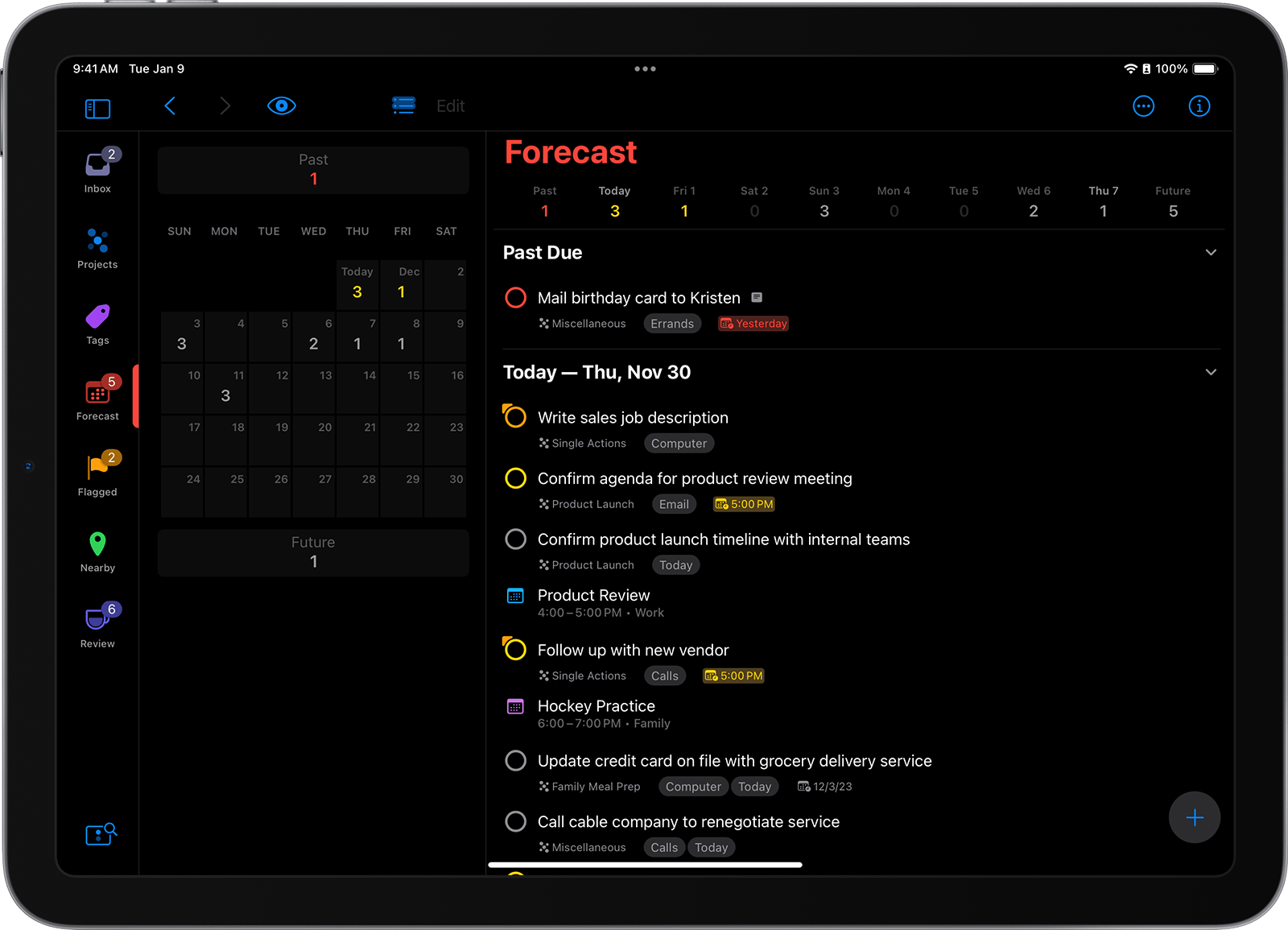
Forecast shows you what’s coming up, so you can stop worrying and focus on what’s important now.
-
Set your future self up for a win
You can accomplish big things when you do them one step at a time.
Organize
See the big picture
OmniFocus helps you turn chaos into order with powerful features like forecasting, projects, and tagging.
Untangle your day
Projects, tagging, and due dates allow you to quickly lay out your week for maximum productivity.
Lower stress, increase control
Forecast shows you what’s coming up, so you can stop worrying and focus on what’s important now.
The to-do app built for pros.
Do
Focus on what matters now
Your to-do list keeps track of your priorities and shows you the best task to focus on next.
-
It's about doing more and making progress
When it’s time to work, all of your tasks are captured, organized, and ready to go.
-
Get a heads-up when it's time to switch priorities
Deep integration with macOS and iOS notifications means you’ll never miss a deadline.
-
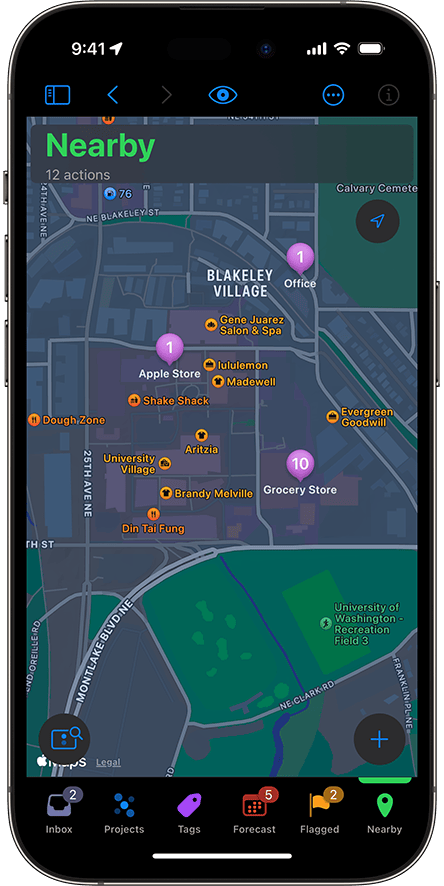
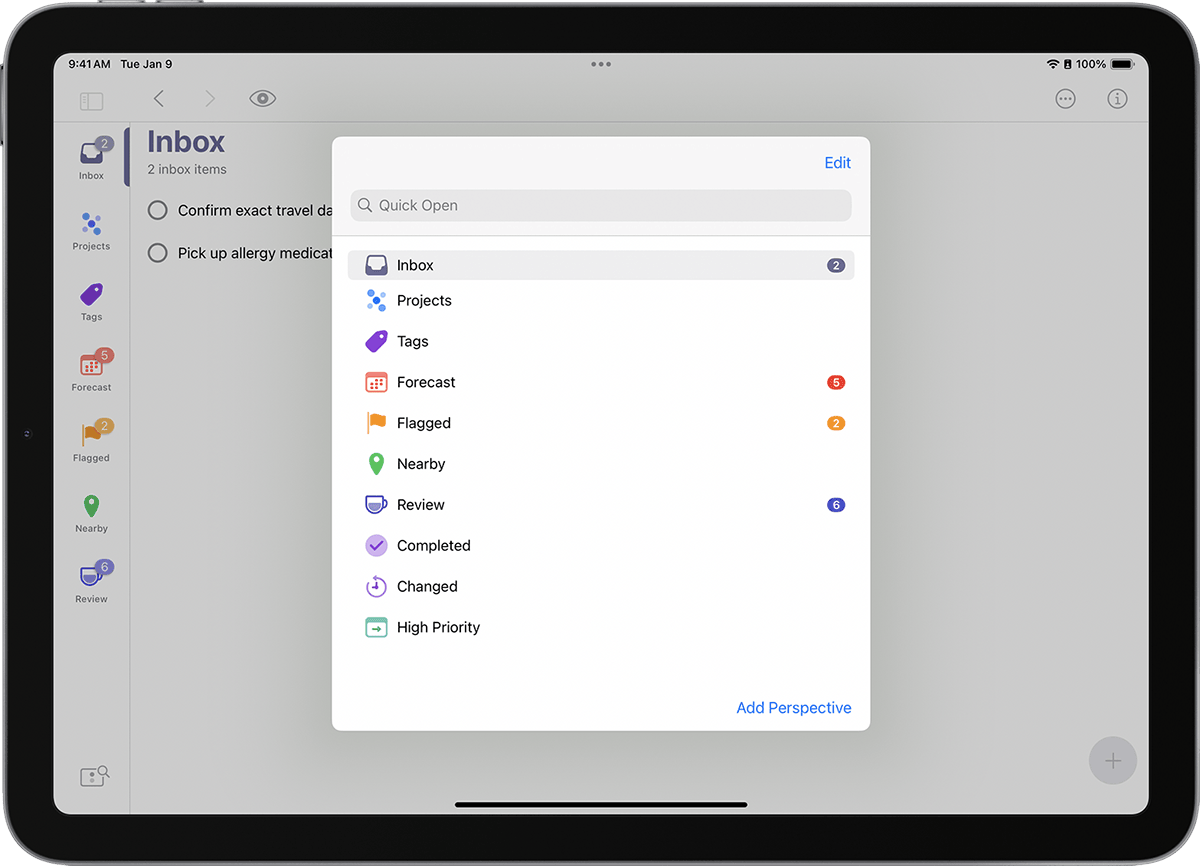
Use Perspectives to group similar actions together
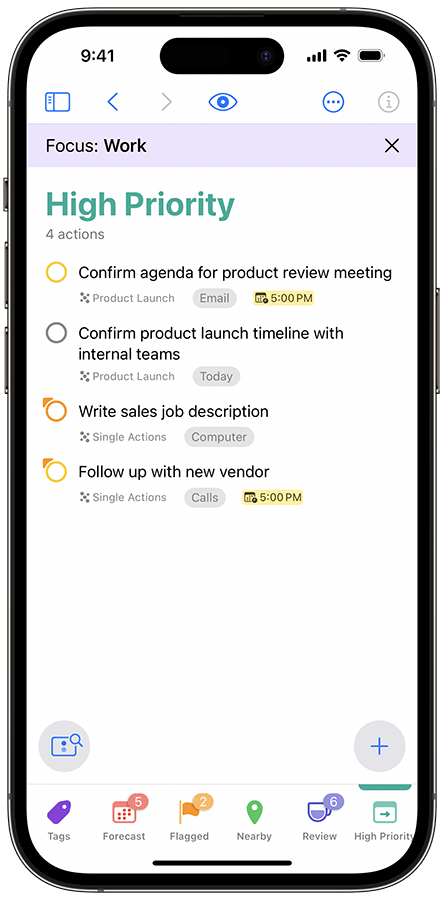
Custom Perspectives adapt to fit your workflow—no matter how complex it is.
Do
Focus on what
matters now
Your to-do list keeps track of your priorities and shows you the best task to focus on next.
It's about doing more and making progress
When it’s time to work, all of your tasks are captured, organized, and ready to go.
Get a heads-up when it's time to switch priorities
Deep integration with macOS and iOS notifications means you’ll never miss a deadline.
“OmniFocus is a stellar tool for keeping track of outcomes and actions.”
David Allen
Bestselling author of Getting Things Done
Review
Stay in control
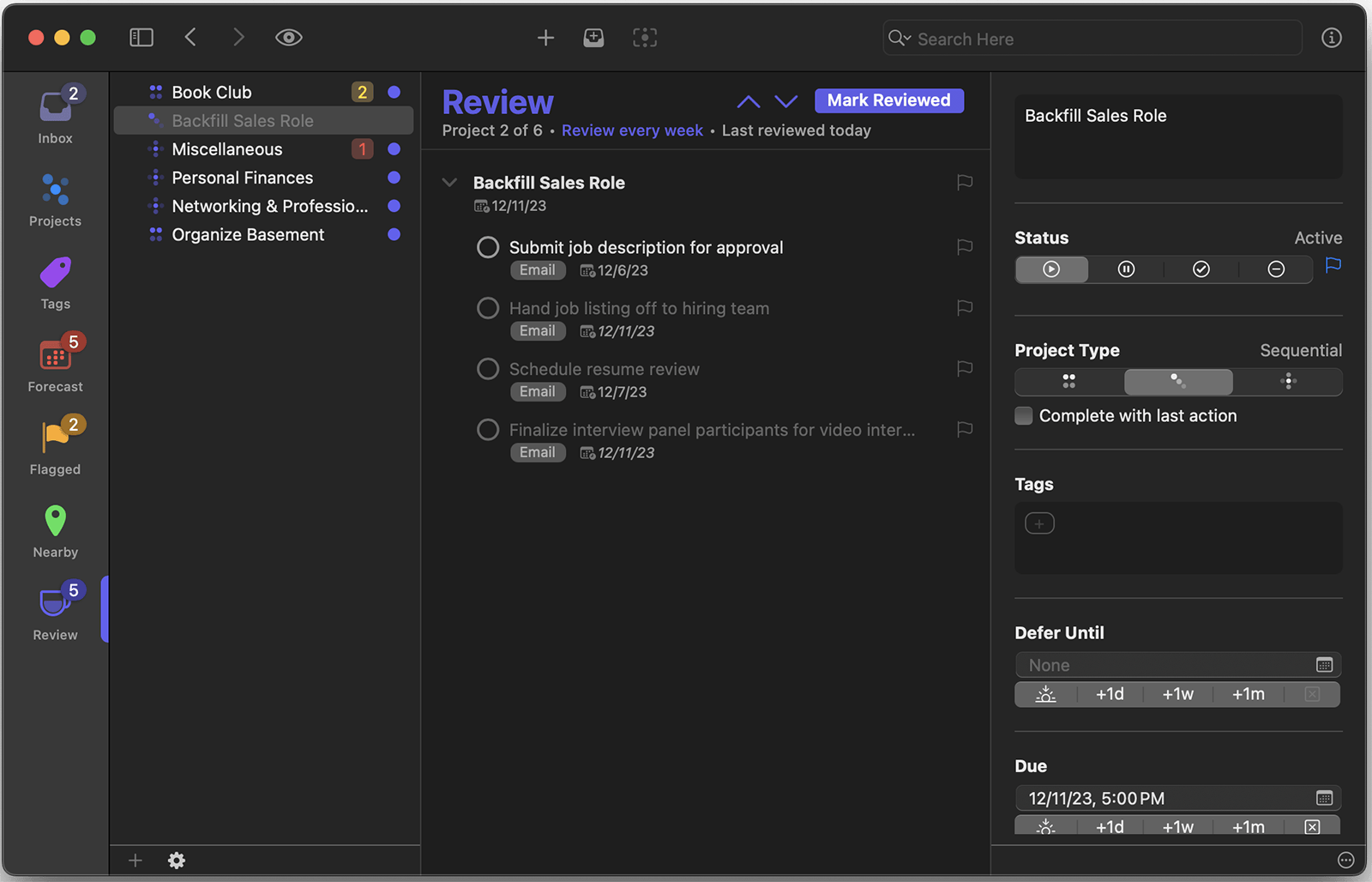
Weekly reviews make it simple to stay up to date and focused on the work that matters most.
-
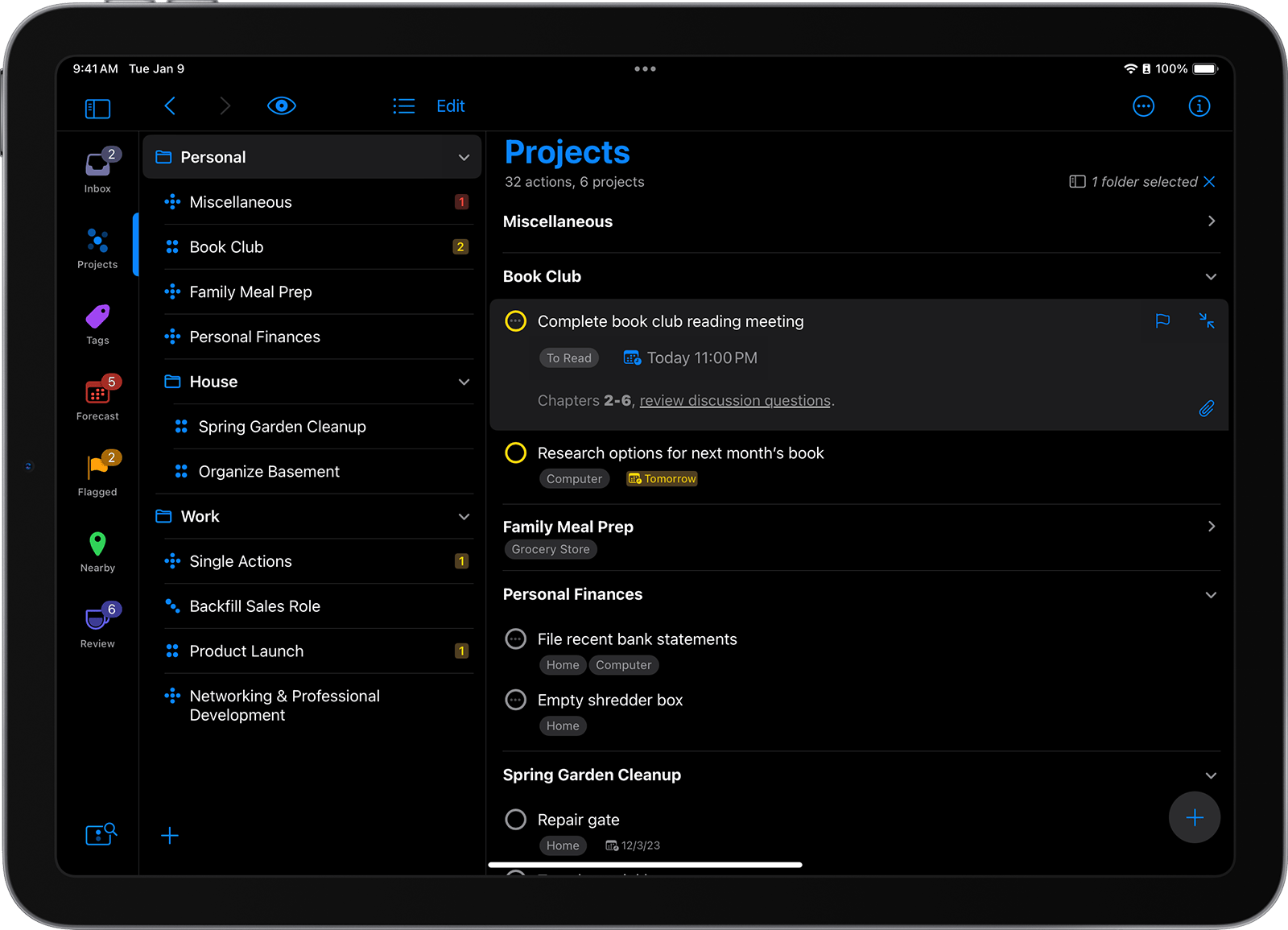
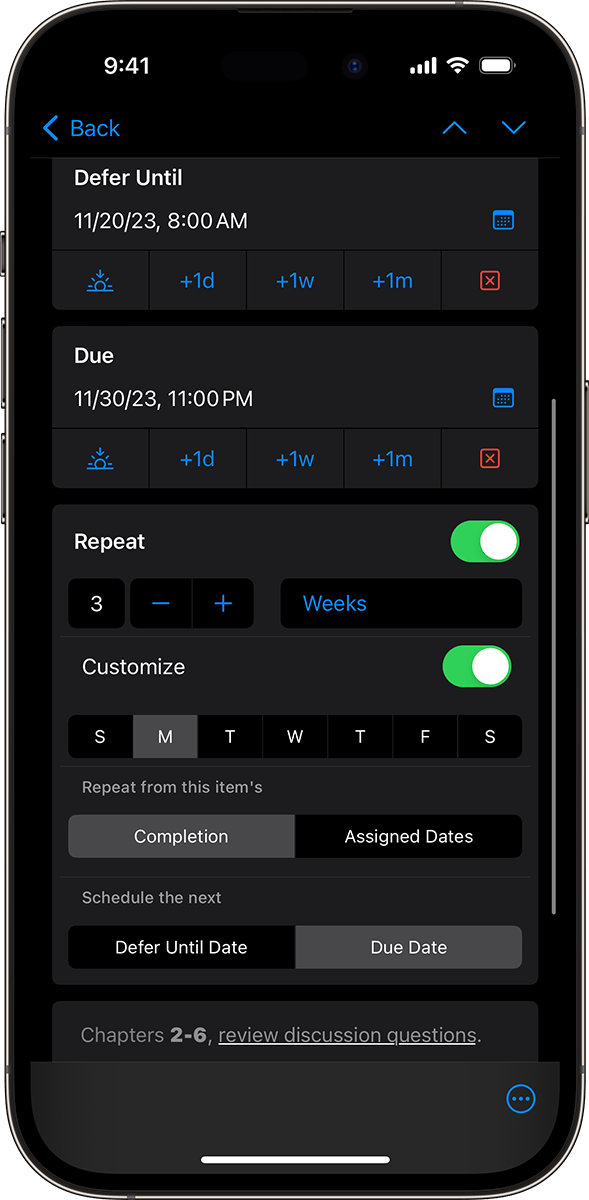
Nothing slips through the cracks
Your weekly review, now on autopilot.
-
A powerful system you can trust
Since there’s a place for everything, you can jot down those “someday, maybe” projects to return to whenever you’re ready.
-
Get in a healthy review routine
Keep in touch with your ever-changing projects to make sure they still match your goals.
Review
Stay in control
Weekly reviews make it simple to stay up to date and focused on the work that matters most.
Nothing slips through the cracks
Your weekly review, now on autopilot.
A powerful system you can trust
Since there’s a place for everything, you can jot down those “someday, maybe” projects to return to whenever you’re ready.
System Requirements
Mac: macOS 14
iPad & iPhone: iOS/iPadOS 17, watchOS 10
Apple Vision Pro: visionOS 2
Web: web browser with JavaScript and active connection
Latest Versions
Mac: v4.8.13
iPad & iPhone: v4.8.13
Apple Vision Pro: v4.8.13
Web: v2025.11.10
Resources
Mac: Release notes, Documentation
iPad & iPhone: Release notes, Documentation
Apple Vision Pro: Release notes, Documentation
Web: Release notes, Documentation
Older versions
If your Mac doesn’t meet the system requirements, you may have better luck with a previous version from the downloads archive.
Languages
Mac: Deutsch, English, Español, Français, 日本語, Nederlands, Italiano, Русский, 简体中文, Português do Brasil, 한국어
iPad & iPhone: Deutsch, English, Español, Français, 日本語, Nederlands, Italiano, Русский, 简体中文, Português do Brasil, 한국어, Arabic, Hebrew
Apple Vision Pro: Deutsch, English, Español, Français, 日本語, Nederlands, Italiano, Русский, 简体中文, Português do Brasil, 한국어, Arabic, Hebrew
Web: Deutsch, English, Español, Français, 日本語, Nederlands, Italiano, Русский, 简体中文, Português do Brasil, 한국어
