Thanks to extremesims.com and purestatic.com for hosting our downloads.

Here we've collected some free OmniOutliner resources for you - AppleScripts that make OmniOutliner even MORE useful (didn't think it was possible, did you?), sample documents to give you ideas about what you might use OmniOutliner for, and other cool stuff. If you want to send in your own creations, email us!

Useful Scripts is a collection of AppleScripts for OmniOutliner that will really help you perform certain actions much more quickly. They also serve as a great way to familiarize yourself with OmniOutliner's AppleScript interface in case you'd like to write a script to help with your evil plan to conquer the universe, or something.
Requirements: OmniOutliner or OmniOutliner Professional 3 or later.

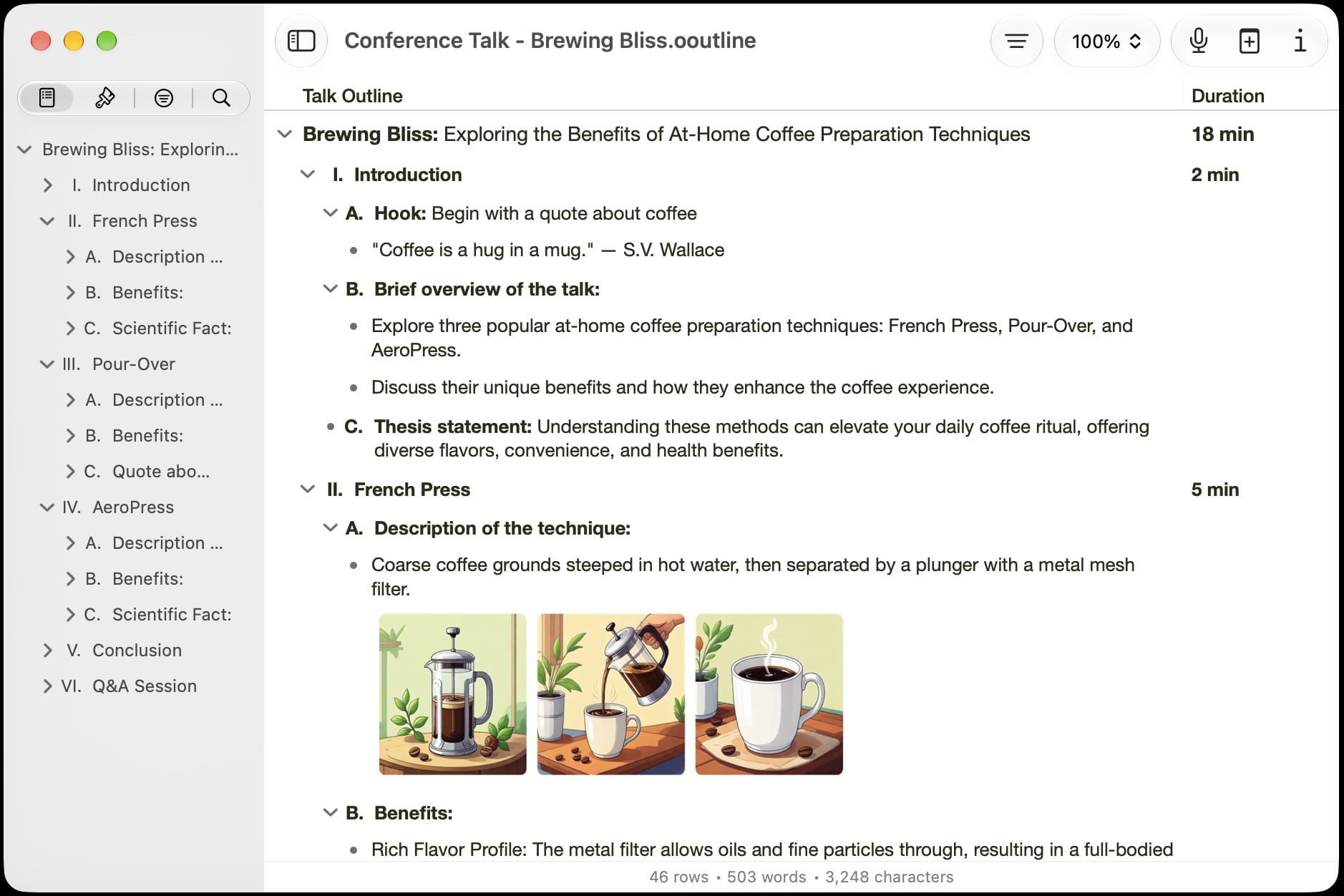
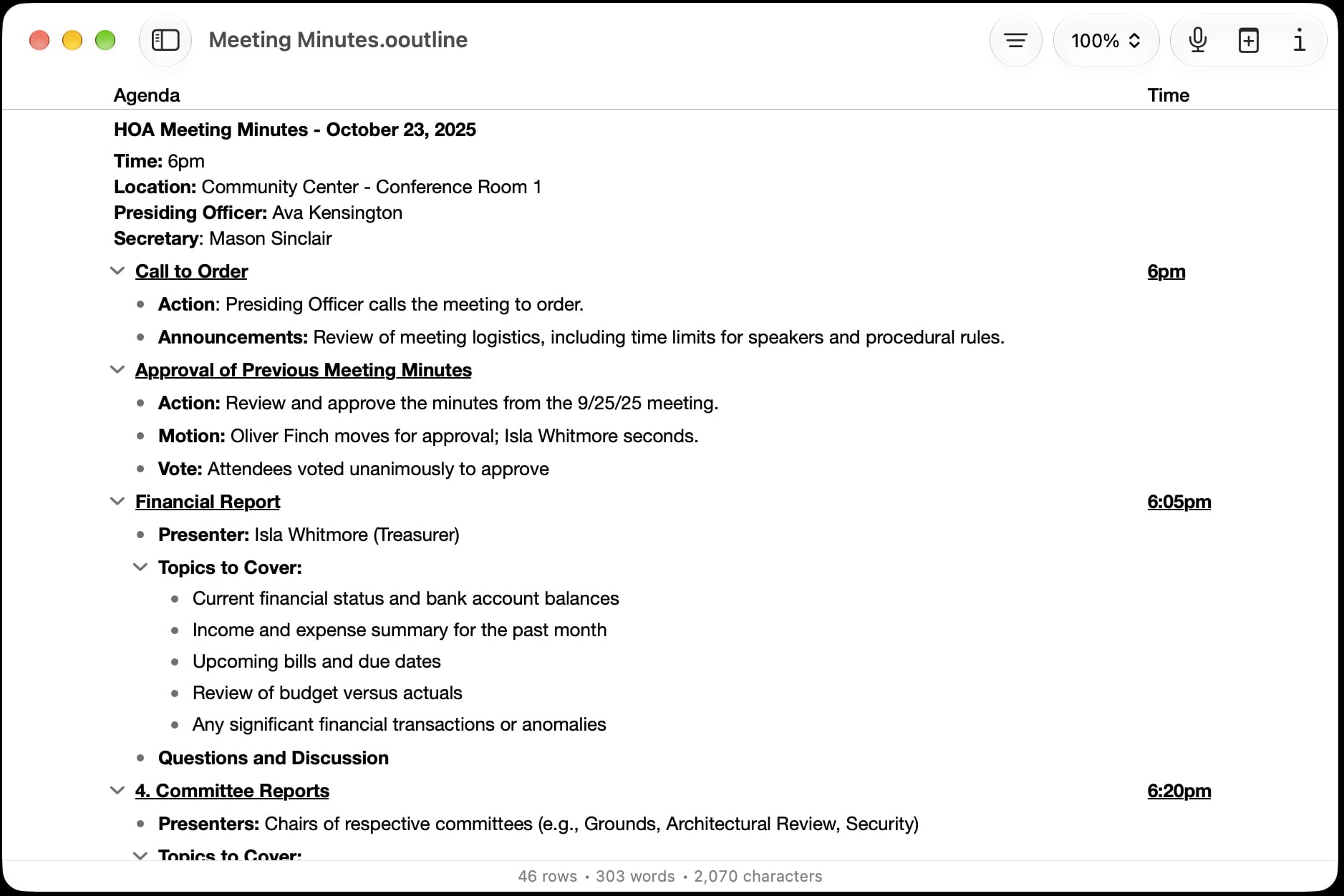
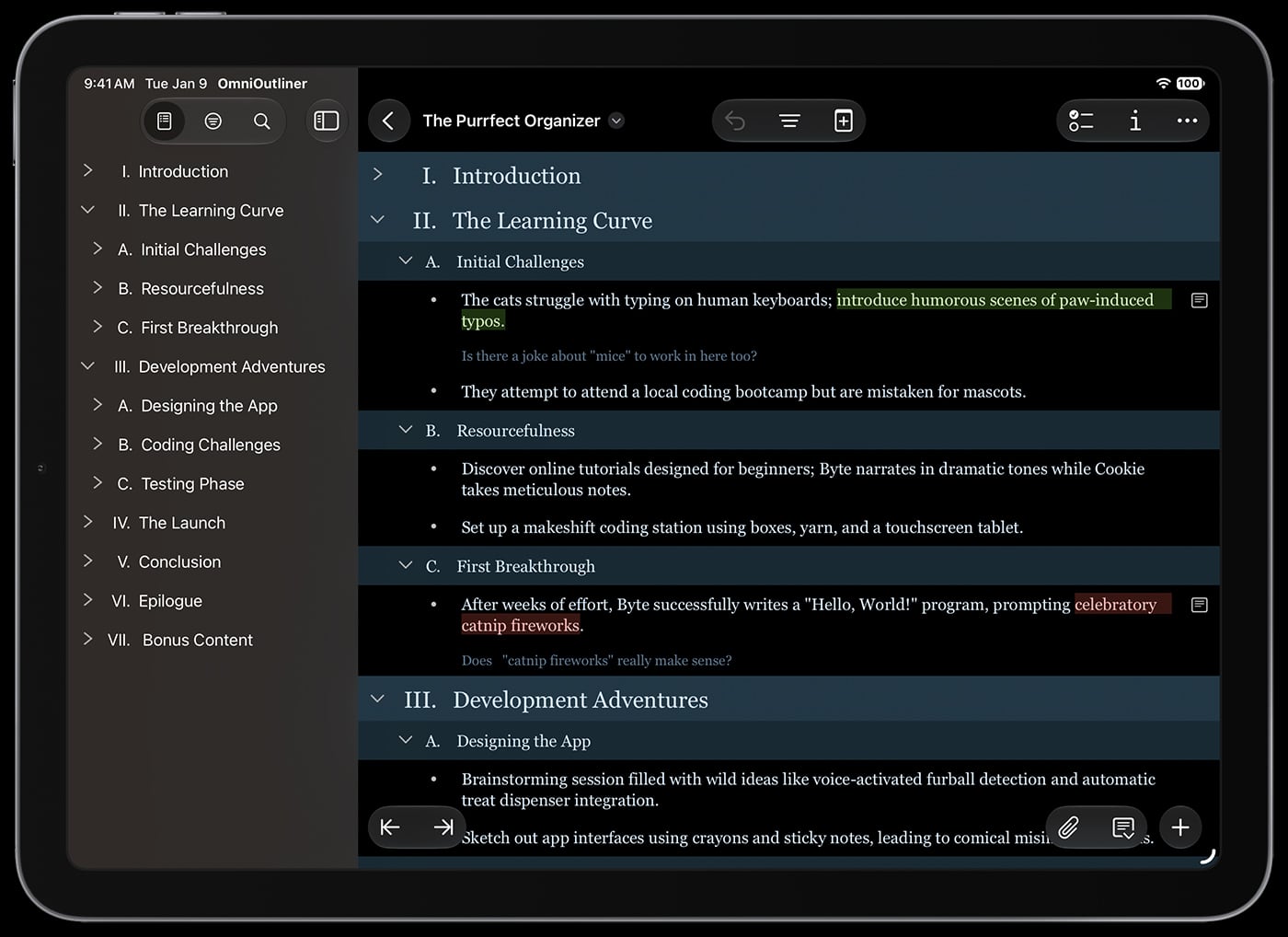
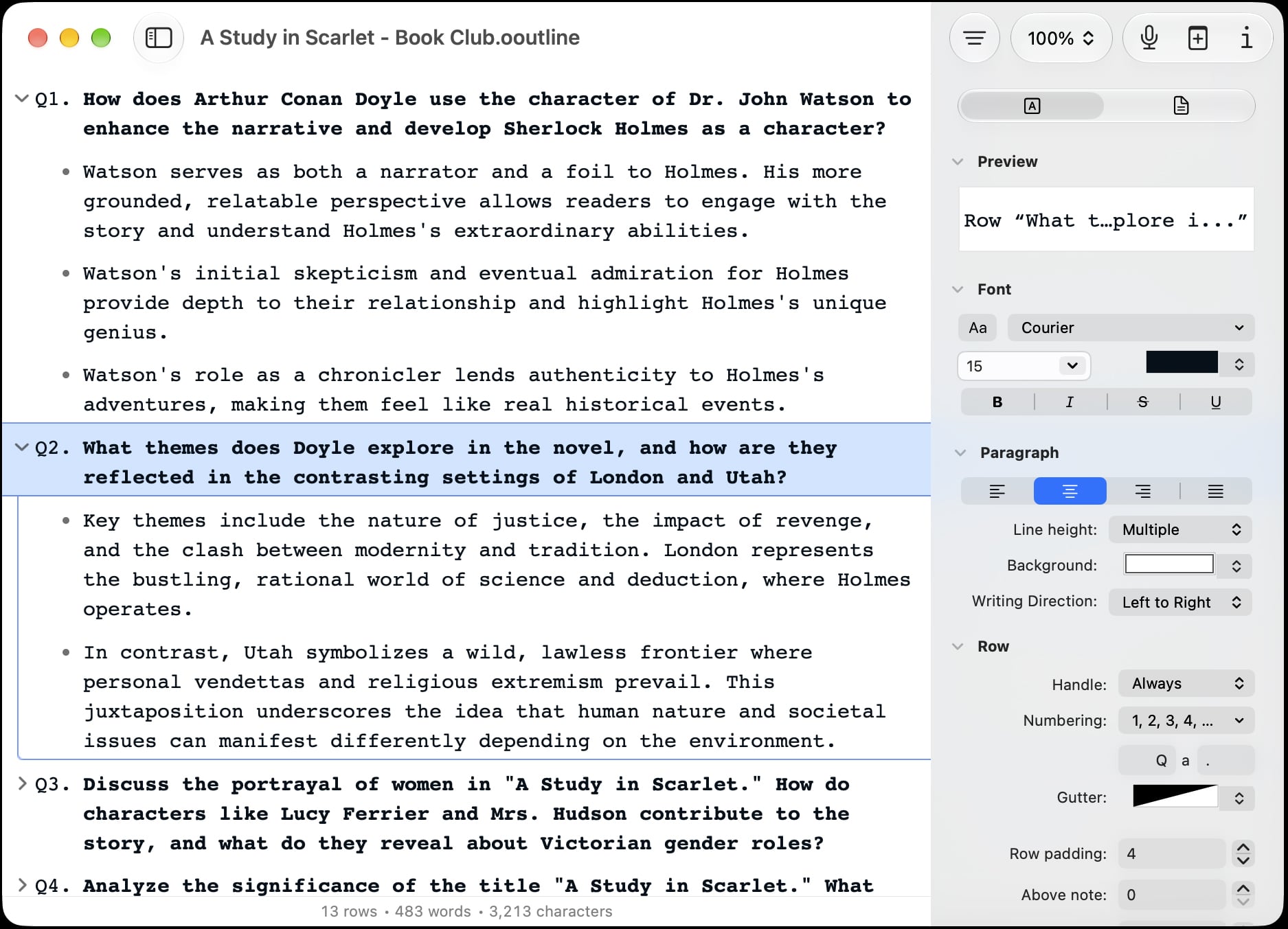
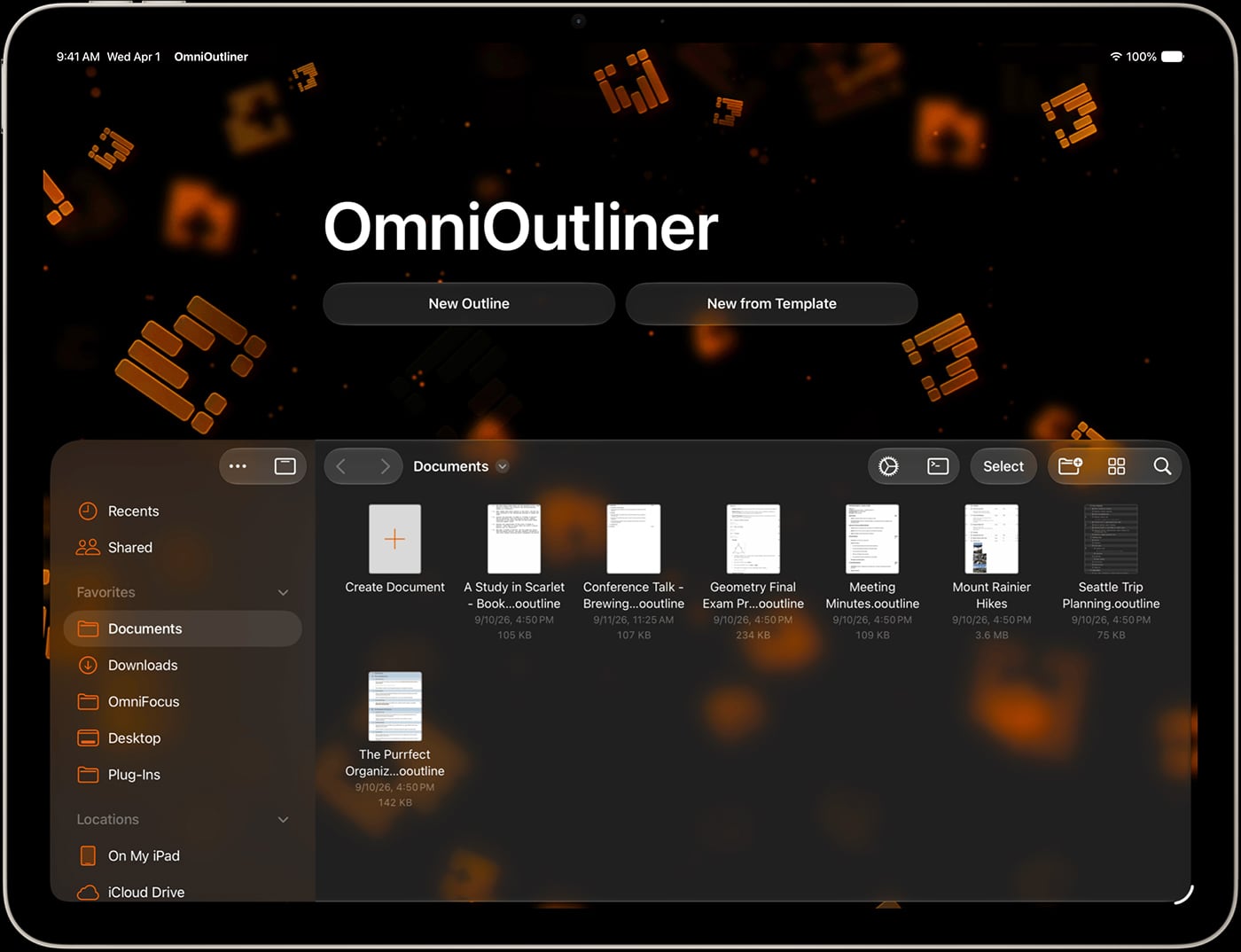
This is a package of sample documents for OmniOutliner to give you an idea of what sorts of things the application is capable of. Pretty pictures, movies, and audio files make this download a bit on the large side, but we promise you'll like what you see.
Requirements: OmniOutliner or OmniOutliner Professional 3 or later.

This package adds five new export types to OmniOutliner 3 Professional: CSV, HTML (Unordered List), HTML (Headers), Microsoft Excel (XML), and LaTeX. You'll need at least version 11 of Microsoft Excel in order to open Excel XML files.
Requirements: OmniOutliner Professional 3 or later.

This SDK (that's a TLA meaning software development kit) has guides for using AppleScript to control OmniOutliner and for building your own OmniOutliner export plug-ins. If you're the kind of person who likes to take things apart and reassemble them for new and unique uses, you might enjoy these guides.
Requirements: OmniOutliner or OmniOutliner Professional 3 or later.

James Devaney has created a QuickPick for use with Apple's Backup 3 application for .Mac subscribers. The QuickPick will search your home folder for OmniOutliner documents, OmniOutliner 3 templates and OmniOutliner 2 documents for inclusion in your backups.

Fletcher Penney's plugin will convert to the Markdown text format.
Requirements: OmniOutliner Professional 3 or later.

Adam Lindsay brings us a plugin that will export your outlines to the ConTeXt text formatting language.
Requirements: OmniOutliner Professional 3 or later.

Bruce D'Arcus has developed a nice plugin to export your documents to the S5 slideshow format.
Requirements: OmniOutliner Professional 3 or later.

Our friend rky has written a script that will take some LaTeX equation code and convert it into a PDF attachment that gets placed in your outline.
Requirements: OmniOutliner or OmniOutliner Professional 3 or later.