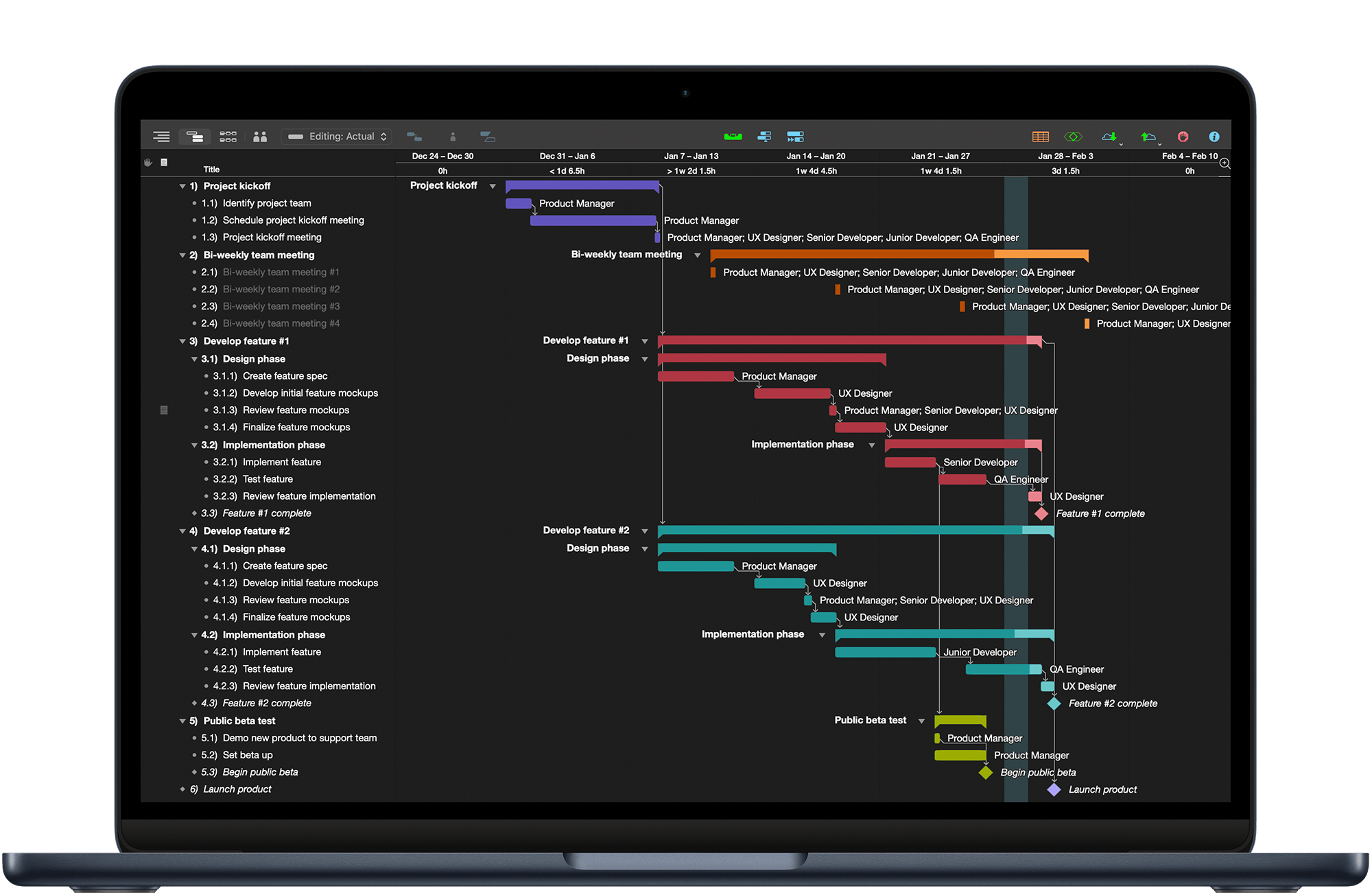
Make complicated projects manageable
OmniPlan 4 gives you the power to monitor interval and effort tracking, customize resources, and continuously improve your processes.
Powerful planning
Manage complexity
-

See the full picture
Introducing three new built-in templates: Standard Project, Standard Project (Styled), and Simple Project.
-
Keep things running smoothly
Set up projects, manually schedule start and end dates for tasks, and discover more functionality with the project assistant.
-
Need to manage multiple projects? No problem.
Multi-project dashboards allow you to see the big picture across your project portfolio.
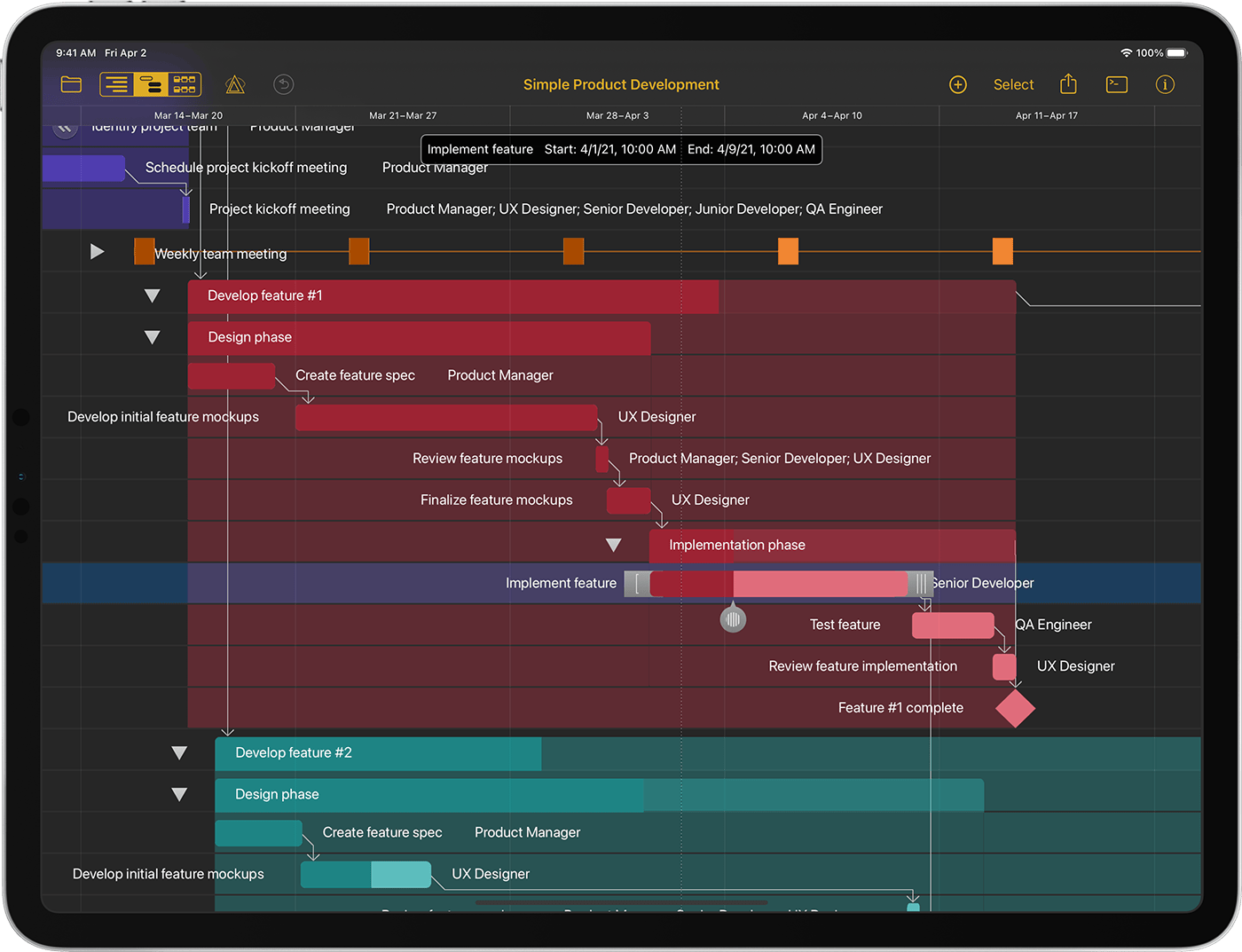
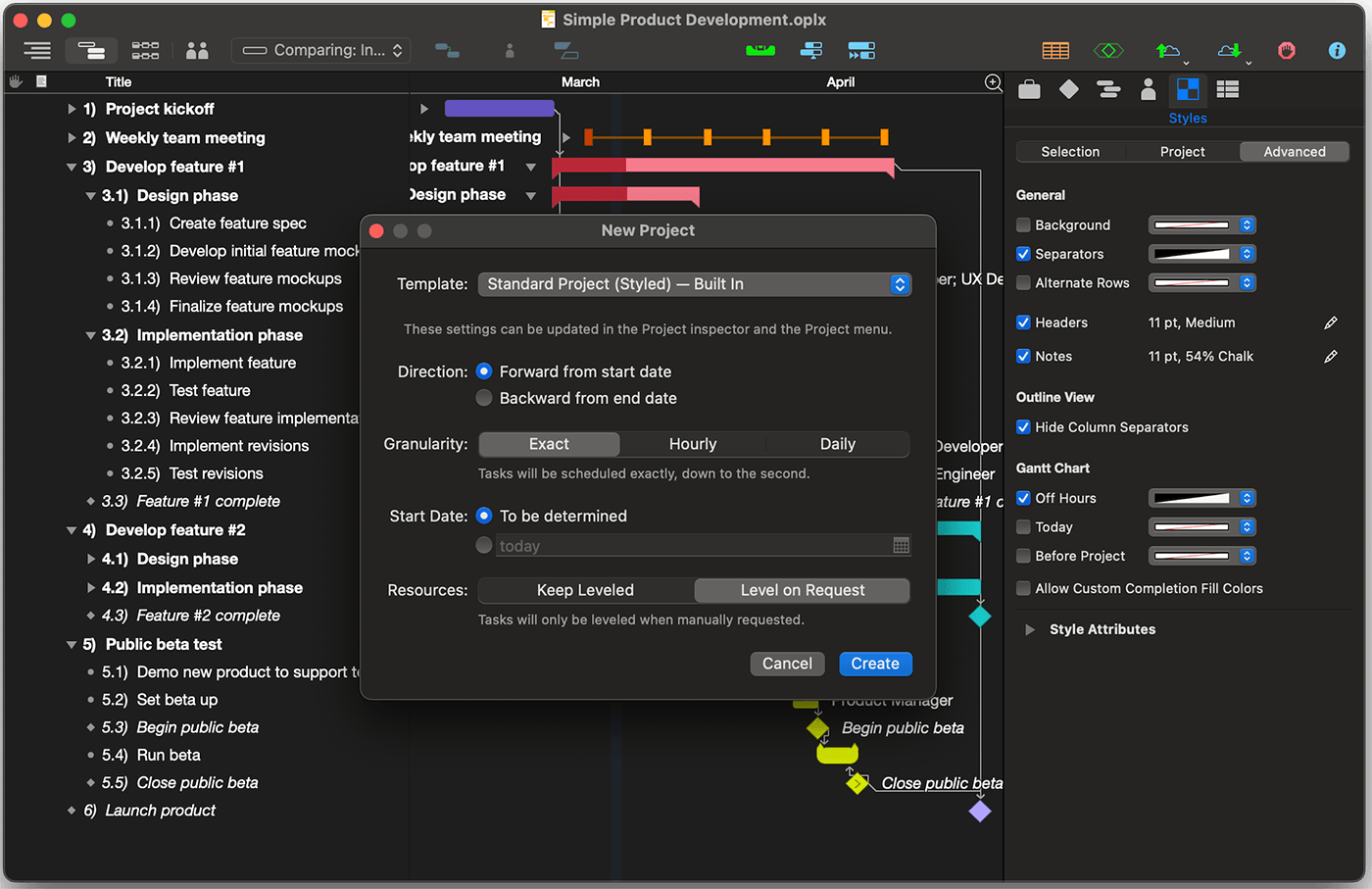
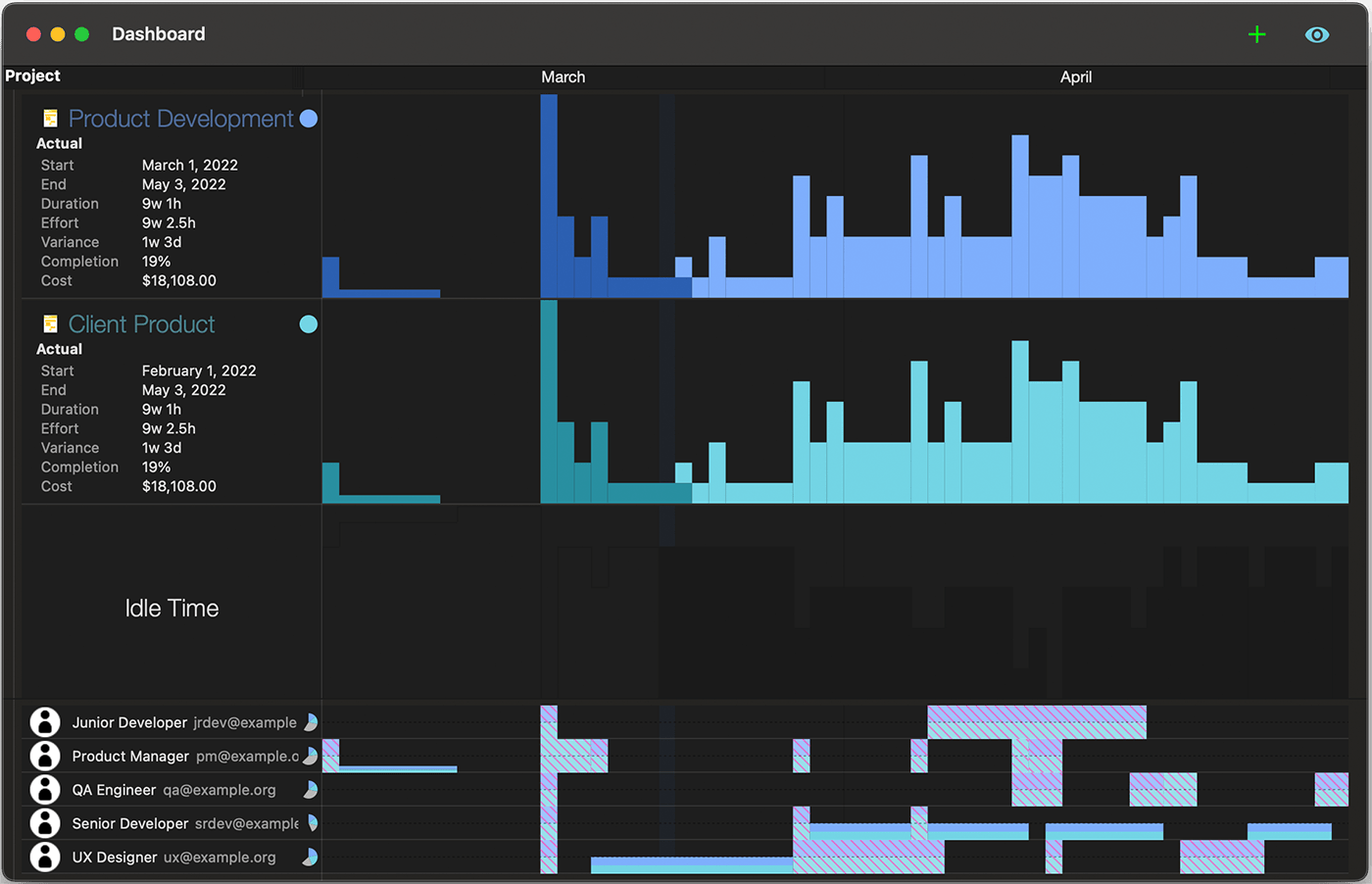
Powerful planning
Manage complexity
See the full picture
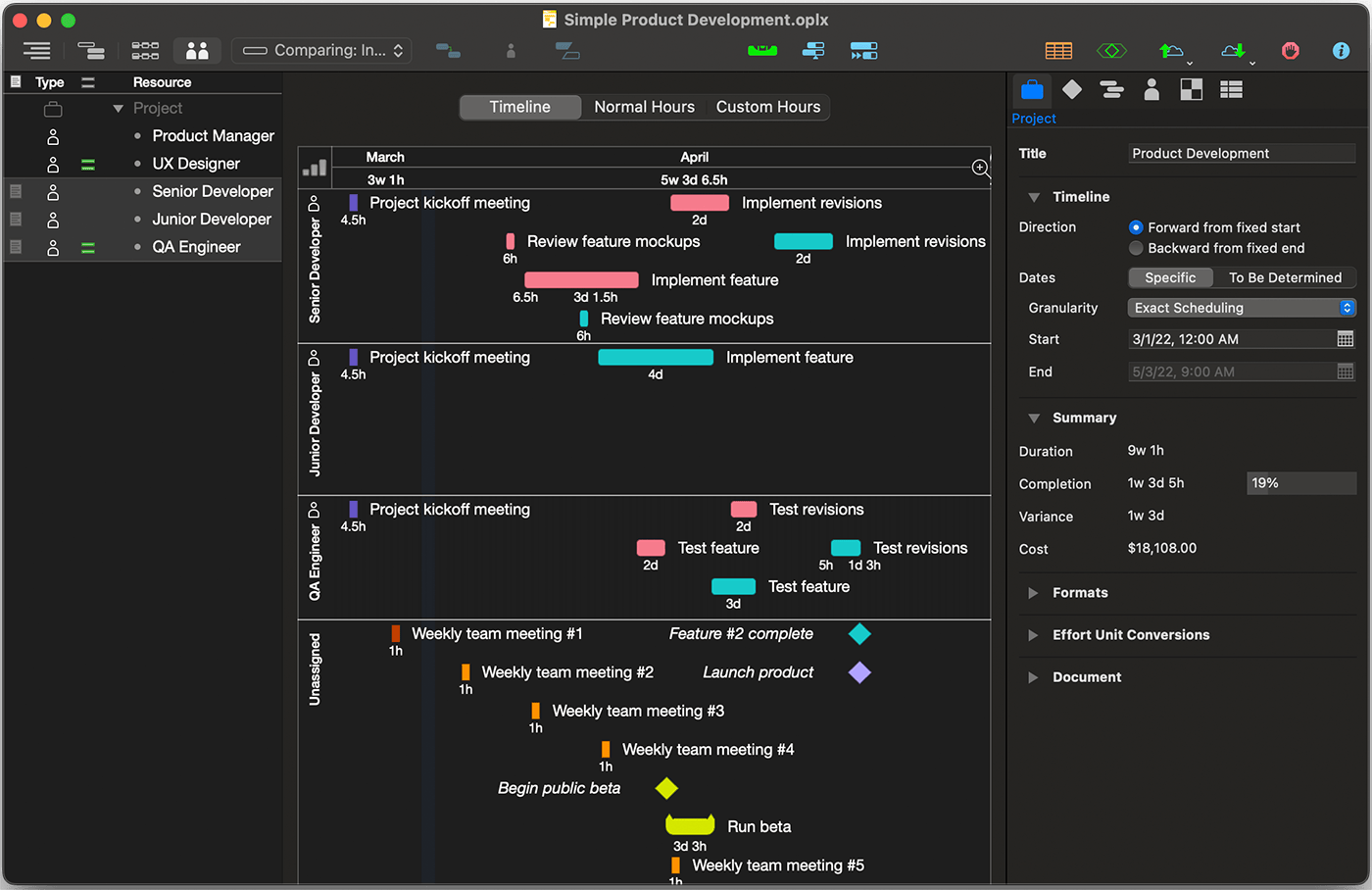
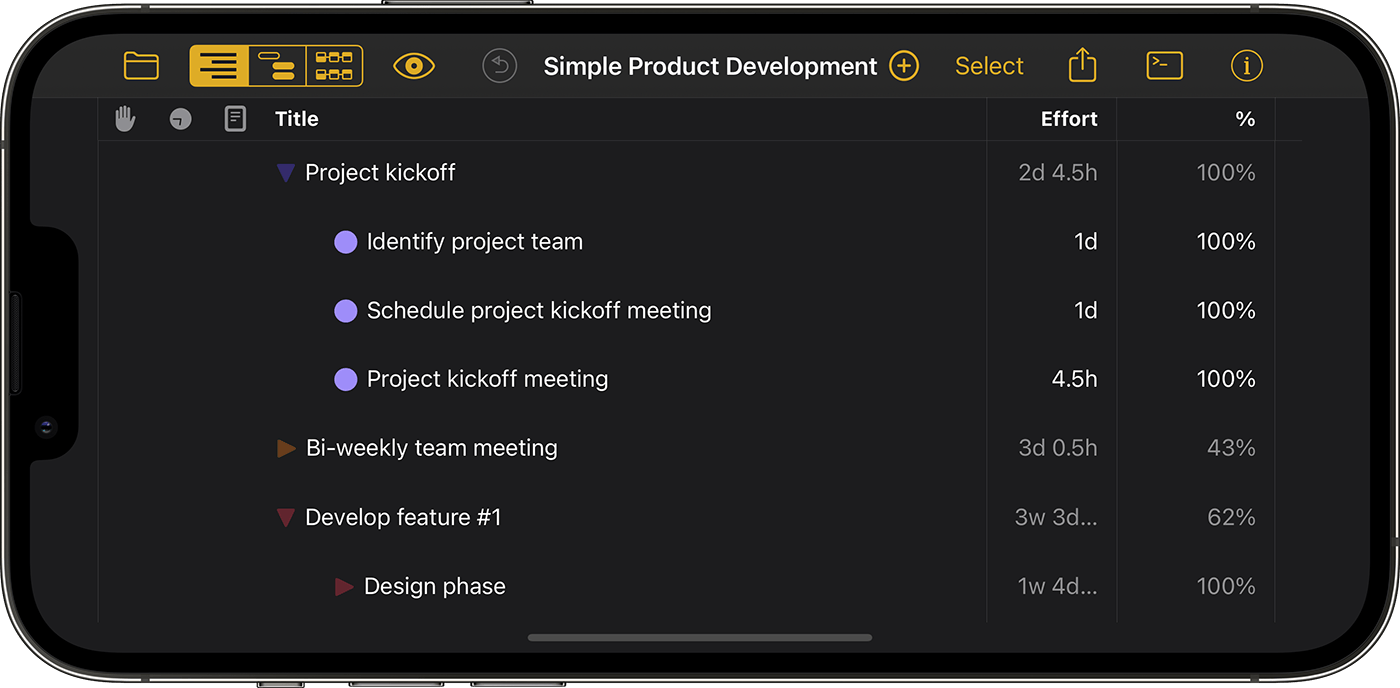
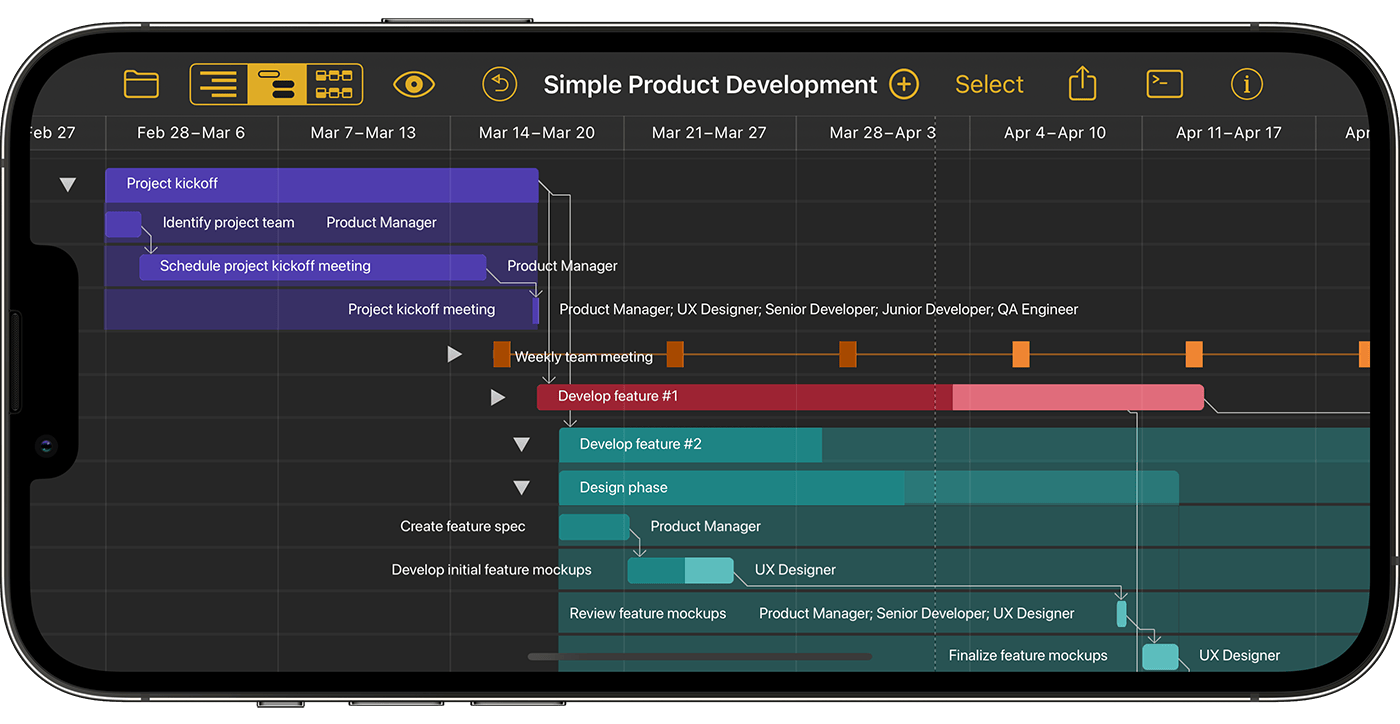
OmniPlan lays out all of your tasks and resources in a comprehensive, intuitive interface.
Keep things running smoothly
Available resources are optimized to eliminate wasted cycles.
Manage simple or complex projects—all at a glance.
Coordinate people
Make it all work, together
-
Manage the whole team
Pull in your team’s calendars to avoid scheduling conflicts and blockers.
-
Track your progress with power
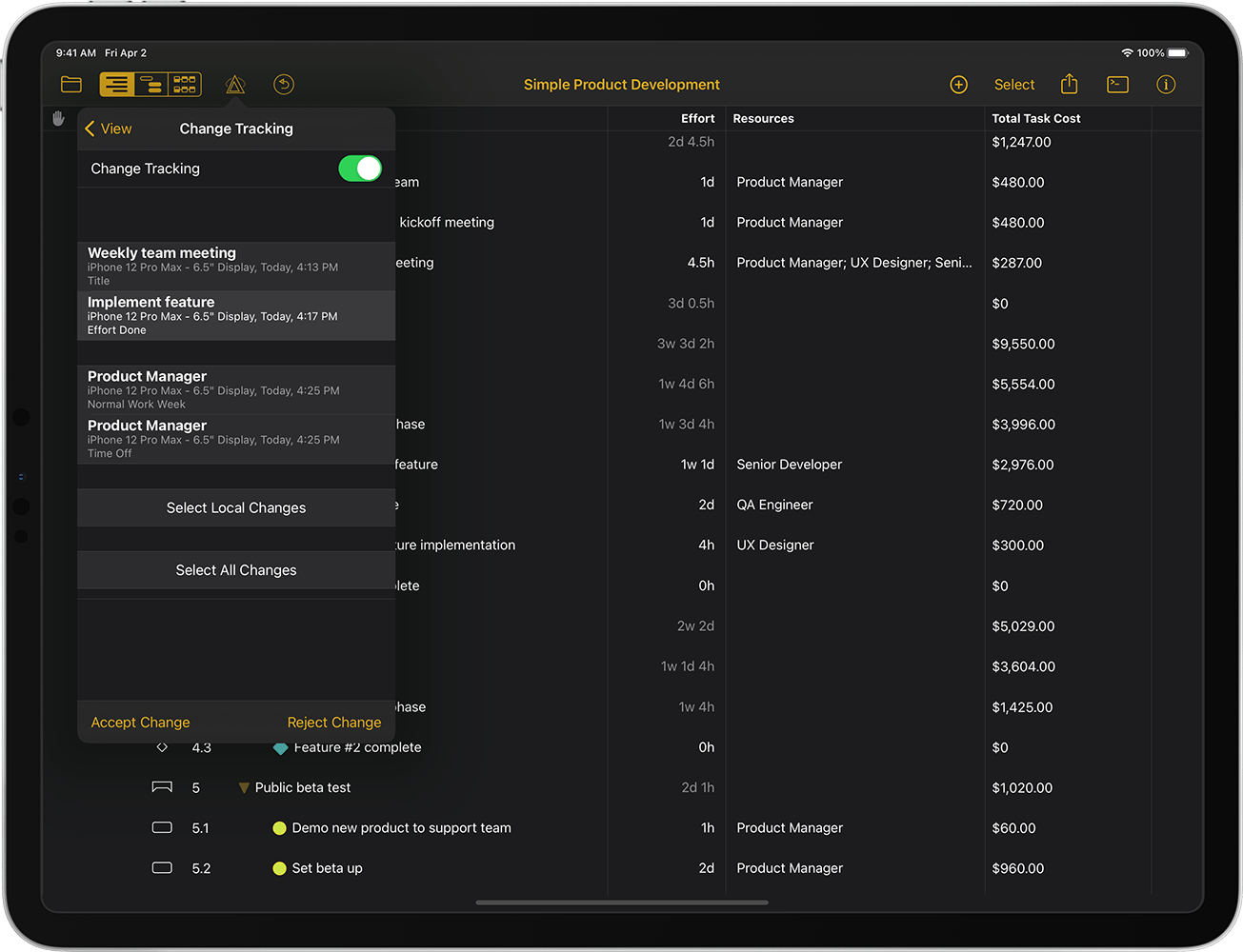
Setting multiple baselines allows you to compare how your project is tracking to the original plan.
-
Focus on what matters
Highlight the important tasks that directly influence the completion date of your project.
Coordinate people
Make it all work, together
Manage the whole team
Pull in your team’s calendars to avoid scheduling conflicts and blockers.
Track your progress with power
Setting multiple baselines allows you to compare how your project is tracking to the original plan.
View, edit, and organize your projects from start to finish.
Continuous improvement
Evolve your process
-
Prepare for anything
Monte Carlo simulation evaluates hundreds of potential outcomes with a single click.
-
Never double-book your team
OmniPlan marks scheduling violations and suggests ways to fix them.
-
Focus on moving the needle
Critical paths highlight the tasks that will keep your project on track and move you toward the finish line, making prioritization intuitive and data-driven.
-
Get an objective view of your project health
Use OmniPlan’s built-in Earned Value Analysis formulas to get a grasp on budget and value by setting a baseline and tracking progress.
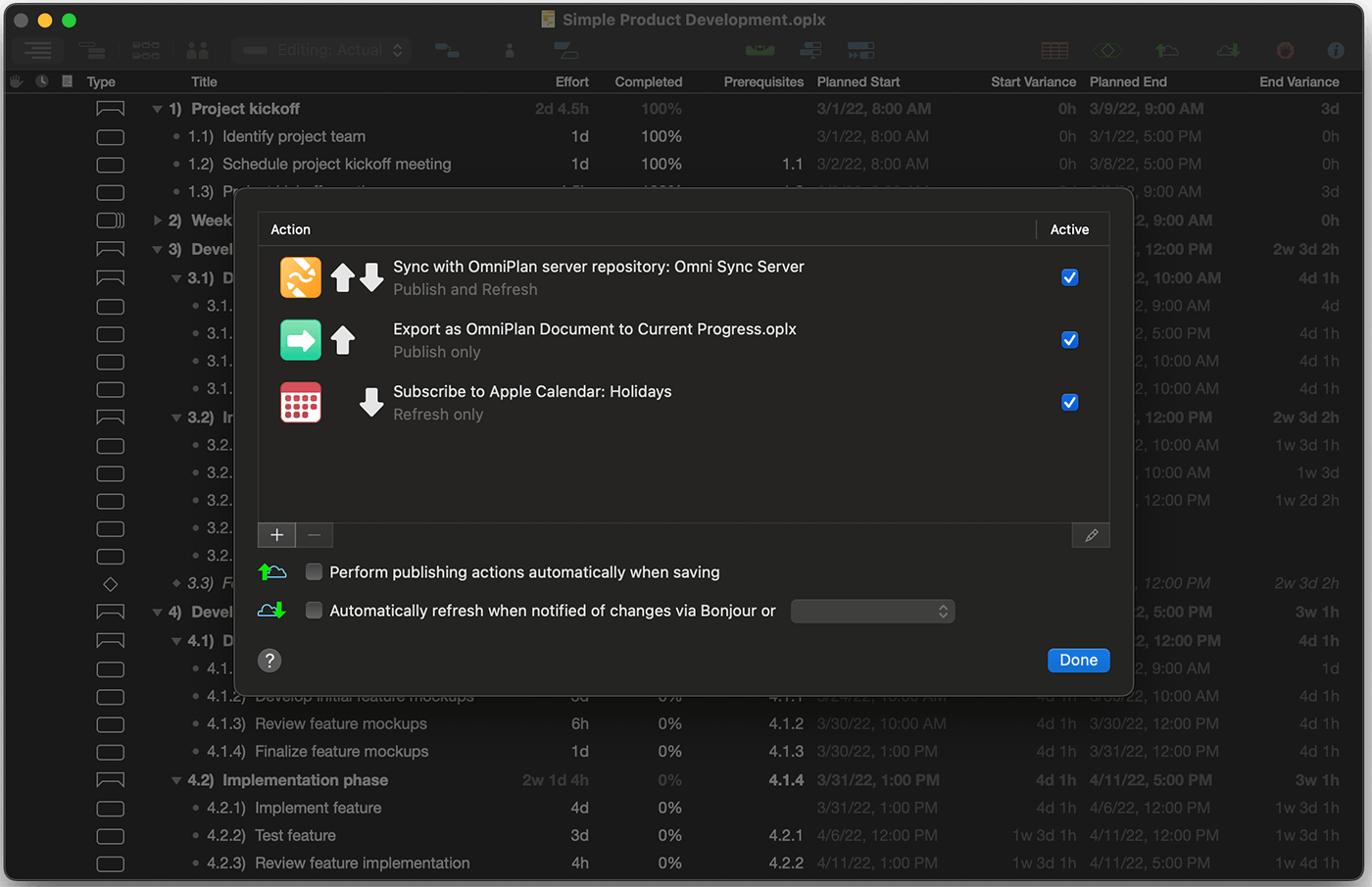
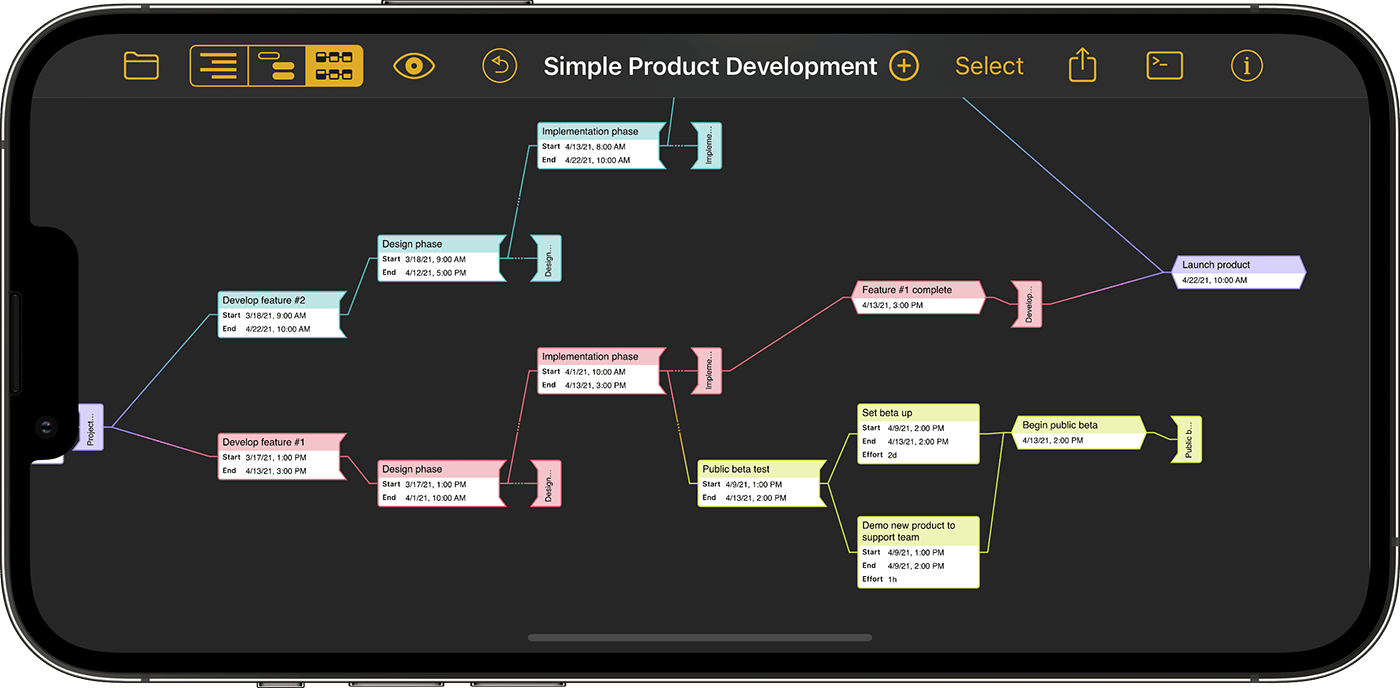
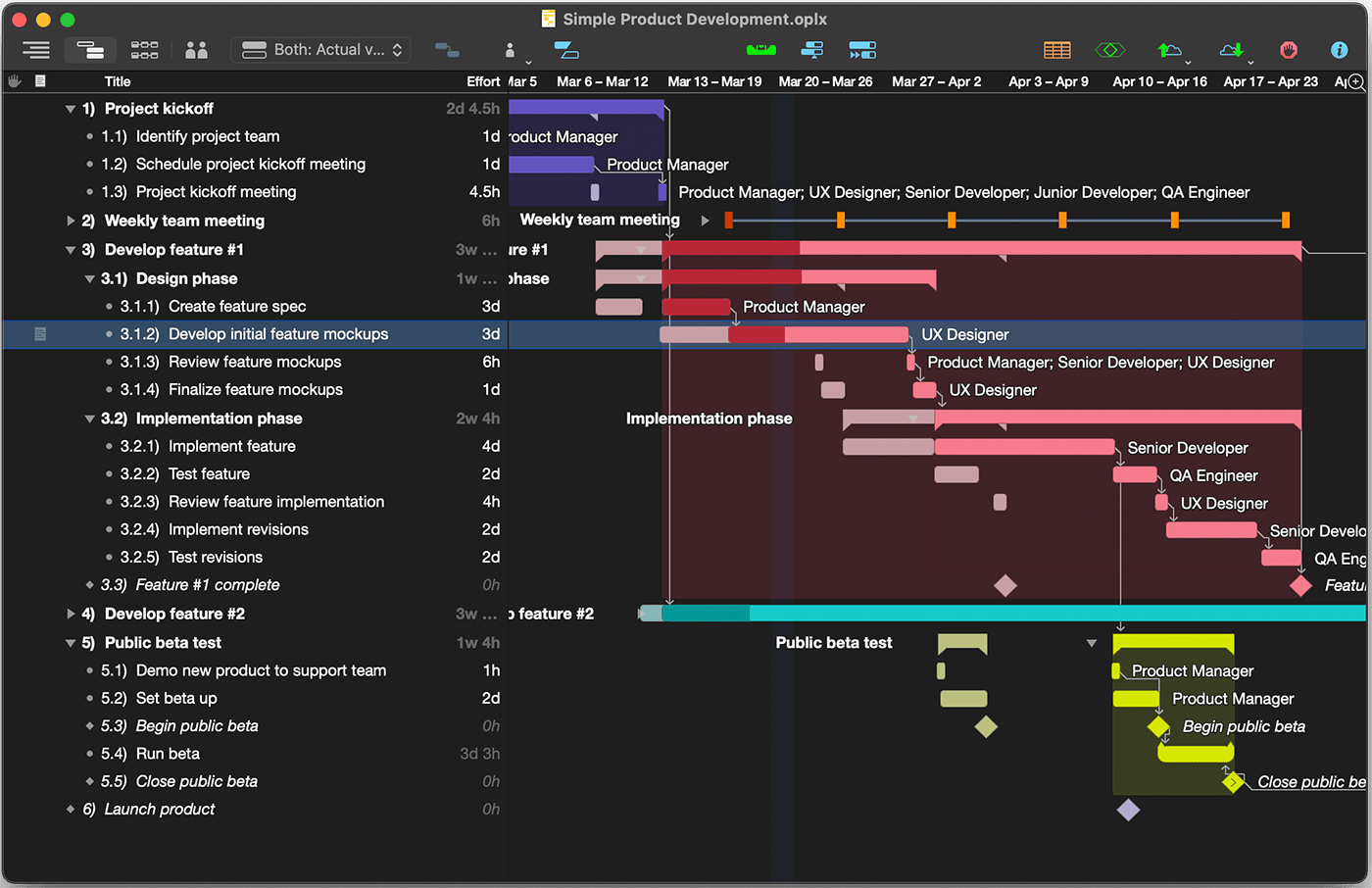
Continuous improvement
Evolve your process
Prepare for anything
Monte Carlo simulation evaluates hundreds of potential outcomes with a single click.
Never double-book your team
OmniPlan marks scheduling violations and suggests ways to fix them.
Focus on moving the needle
Critical paths highlight the tasks that will keep your project on track and move you toward the finish line, making prioritization intuitive and data-driven.
System Requirements
Mac: macOS 12
iPad & iPhone: iOS/iPadOS 16
Apple Vision Pro: visionOS 1
Latest Versions
Mac: v4.10.2
iPad & iPhone: v4.10.1
Apple Vision Pro: v4.10.1
Resources
Mac: Release notes, Documentation
iPad & iPhone: Release notes, Documentation
Apple Vision Pro: Release notes, Documentation
Older versions
If your Mac doesn’t meet the system requirements, you may have better luck with a previous version from the downloads archive.
Languages
Mac: Deutsch, English, Español, Français, 日本語, Nederlands, Italiano, Русский, 简体中文, Português do Brasil, 한국어
iPad & iPhone: Deutsch, English, Español, Français, 日本語, Nederlands, Italiano, Русский, 简体中文, Português do Brasil, 한국어
Apple Vision Pro: Deutsch, English, Español, Français, 日本語, Nederlands, Italiano, Русский, 简体中文, Português do Brasil, 한국어
