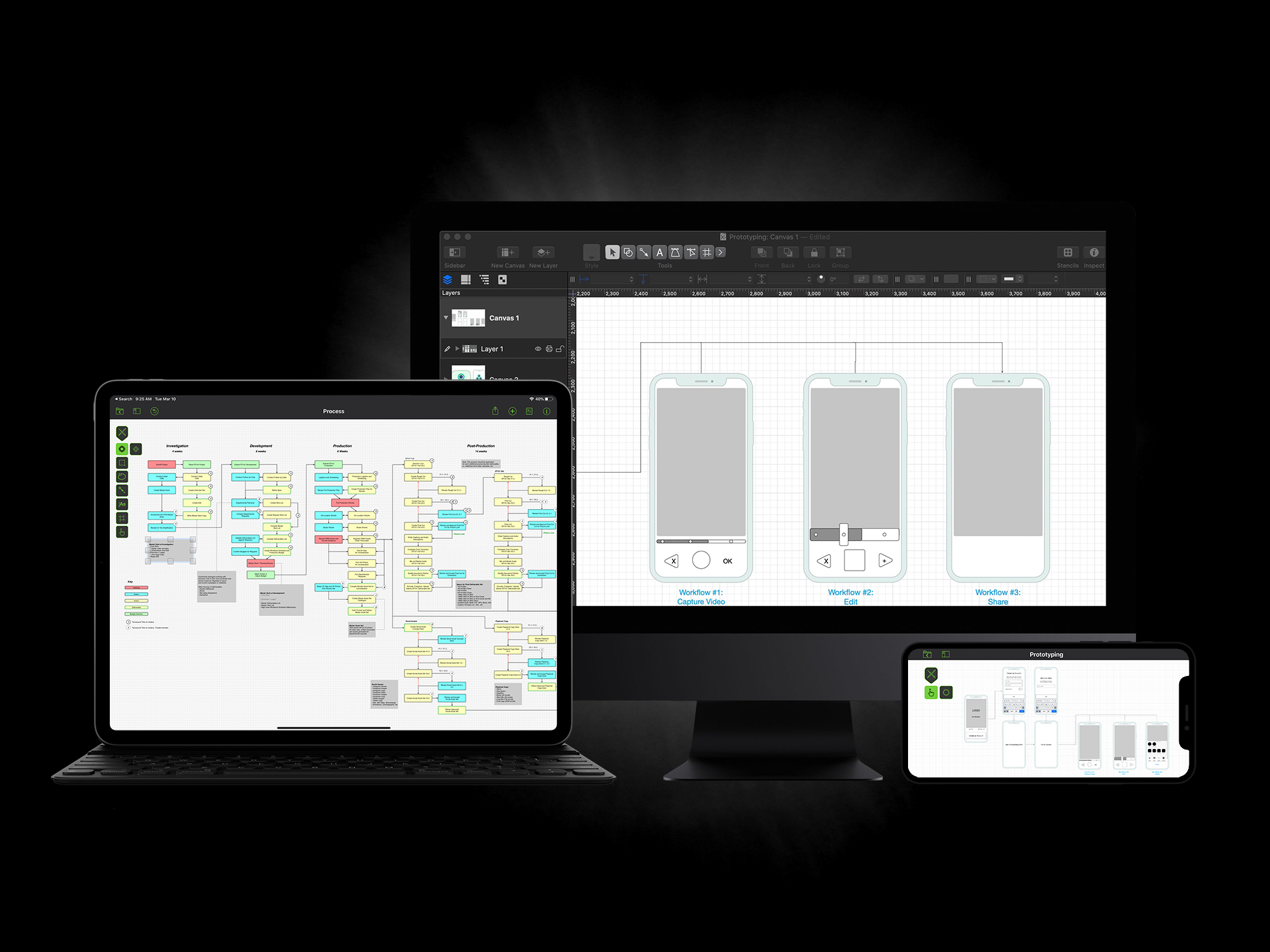
Diagramming worth a thousand words

Need a diagram, process chart, quick page-layout, website wireframe or graphic design? OmniGraffle can help you make eye-popping graphic documents quickly by keeping lines connected to shapes even when they're moved, providing powerful styling tools, importing and exporting Microsoft Visio files, and magically organizing diagrams with just one click. Whether you need a quick sketch or an epic technical figure, OmniGraffle keeps it gorgeously understandable.

Envision

Quickly construct beautiful flow charts without drawing a thing — outline your ideas or data in the sidebar and let Automatic Layout do the rest. Visualize a vast concept or a simple organizational chart with an expansive, easy-to-use canvas.

Draft

Take advantage of a vast library of stencils for a quick iPhone app mockup, a rough draft of next summer’s vegetable placement, or planning a network. Or start from scratch with the Pen Tool to create your own set of custom shapes!

Build

Add the detail and polish you need, as you need it. Put your own style on UI elements or potted plants, create custom stencils for drag-and-drop creation later, and export your pixel-perfect document to the next person that needs it. The most advanced and easy to use wireframing and diagramming application.

Download

OmniGraffle 5 is a paid upgrade from previous versions (2.x, 3.x, 4.x). License codes for those earlier versions of the software will not work with OmniGraffle 5 or OmniGraffle Professional 5. This is a free update for all owners of version 5.

The app will run in a fully functional trial mode for 14 days without a license. Also available for purchase on the Mac App Store. Requires Mac OS X v10.6.8 or later to run.

What's New

Latest release: June 03 2013

Bug Fixes

  • Fixed a crash when reverting to a previous version of the document while viewing a canvas that wasn’t present in that previous version.
  • Fixed a possible crash when updating printer drivers.
  • Fixed a crash when exporting a document where the first canvas was named with a question mark.
  • Fixed a crash in OmniGraffle’s automatic layout.
  • Fixed a reproducible crash when quitting an application that was connected via LinkBack to OmniGraffle.
  • Fixed a crash that could happen when closing a document while the scrolling bounce back animation was in progress.
  • Fixed a reproducible crash when resetting inspector locations while the Stencil window was open.
  • Fixed an NSFileCoordination issue when having a large number of documents open or viewing the Stencil window or Template Chooser.
  • Fixed a bug where OmniGraffle would call on the discrete graphics card when running on battery power on certain MacBook Pro models.
  • Fixed a bug when running on Mac OS X 10.6 where orthogonal line handles could render in the wrong location.
  • Fixed a canvas title alignment issue when running on Mac OS X 10.6.
  • Fixed a bug where copying as AppleScript would list the shape’s label text twice.
  • Fixed a layer ordering issue when exporting the current selection.
  • It should be possible again to edit an installed stencil.
  • Fixed an error when attempting to clear a field in the Document: Data Inspector.
  • Fixed a bug where dragging Frameworks into OmniGraffle would fail.
  • Graffletopia search results should be previewing again.
  • Fixed a bug where embedded ICC profiles could get written over and over again, creating a very large and unwieldy document.
  • Fixed a couple of export issues with PDFs that could lead to a crash.
  • Fixed a bug when importing a Visio document where shapes that should have been ignored were not.
  • Fixed a bug where a downloaded stencil could result in a never-ending string of alerts.
  • Fixed a Visio export issue where line midpoints could get ignored.
  • Fixed a bug where objects on layers would rearrange when exporting the current selection.
  • Changed the address in the About Box to reflect our new office location.

Previous Releases