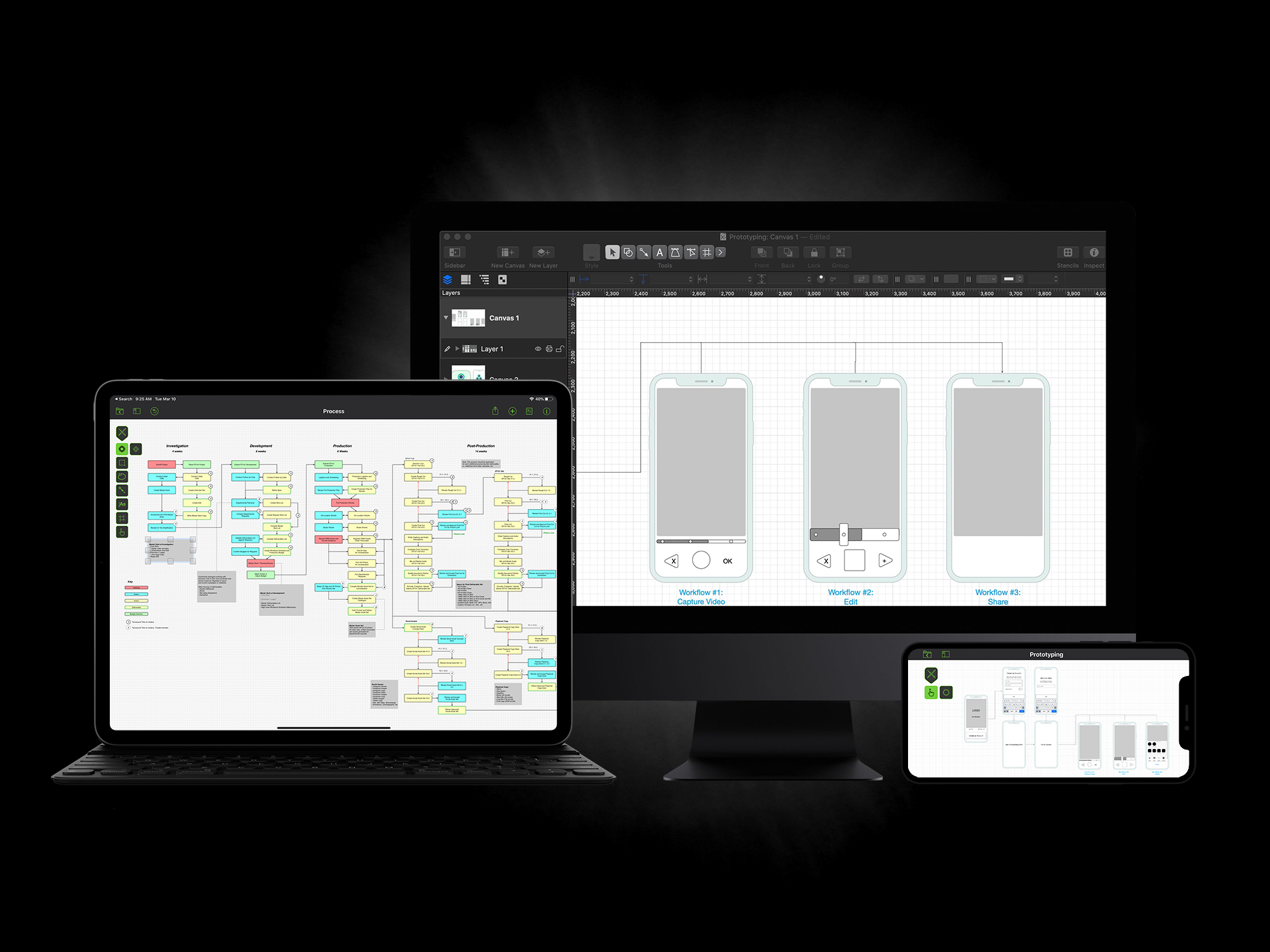
Your iPad is your canvas with OmniGraffle for iPad. Use simple gestures to draw shapes, create objects, and style it all until it's just right. Share your creations via PDF or keep up the fine tuning in OmniGraffle for Mac.  When you have a vision for how your information needs to be presented or your processes are carried out, OmniGraffle for iPad is the tool to help you organize your thoughts visually, document them beautifully, and communicate your ideas to the world.

Stencils

Start with OmniGraffle for iPad's built-in Stencil collection for fast document creation: just touch and hold a shape, then drag it into the canvas. If you prefer a more hands-on approach, tap the Draw button in the toolbar to enter Draw mode. Choose the shape you want from the Shape Inspector, then drag out custom-sized shapes. To draw a line, just touch and hold the canvas, then drag. Adjustable shapes such as stars and circles can be manipulated with the touch of a finger, so you can easily change a 5-pointed star into an 12-pointed star (and decide just how pointy you want its points to be) or draw a perfect quarter-circle. 

Built-in stencils include Shapes, 3D Shapes, Connections, Fonts, Fills, Software, and Variables. Many third-party OmniGraffle stencils are also supported.

Freehand Drawing

OmniGraffle leverages the unique capabilities of the iPad by allowing you to sketch freehand shapes directly onto your canvas. Remember fingerpainting? It's not that different: just drag your finger across the screen to draw. If the end of a drawing nears the beginning, OmniGraffle for iPad closes the shape for you.

Diagramming Tools

OmniGraffle for iPad knows what makes a diagram different from a drawing, and can keep lines connected to shapes even when they're moved. In Draw mode, touch and drag to connect shapes together. The Diagram Layout inspector gives you several options for automatically rearranging your diagram—touch "Lay out now" and your shapes will be magically organized across your canvas. Use the standard pinch gesture to zoom in and out, so you can focus on a detailed area of your canvas, or zoom out to see the big picture.

What's New

Latest release: November 08 2012

OmniGraffle for iPad 1.8.1 is a minor update that addresses some known issues, adds missing localizations, and fixes documentation bugs.

Bug Fixes

  • Fixed a hang while generating large numbers of document previews in the diagram picker while using a 1st Generation iPad.
  • Fixed a crash when pasting an image from another application.
  • Fixed a bug on iOS 6 where it was impossible split the keyboard.
  • Fixed a bug where the navigation button in the Stencils Popover would go missing when browsing the Photo Library.
  • Fixed a bug where the image scale controller would not appear for tiled images.
  • Fixed a bug where Squiggle fills could draw outside of certain shapes.
  • WYSIWYG zooming options should work appropriately for the resolution of the iPad mini.
  • Various bug fixes and improvements to the inspectors.
  • Bug fixes and usability improvements to the new Drawing Tools bar.
  • Missing Localizations have been added.
  • Documentation bug fixes.

Previous Releases